Saving the Running Configuration as an Archive File
The current running configuration in the
system can be saved as an archive file.
Complete the following steps to save the running configuration as an archive file.
- Select .
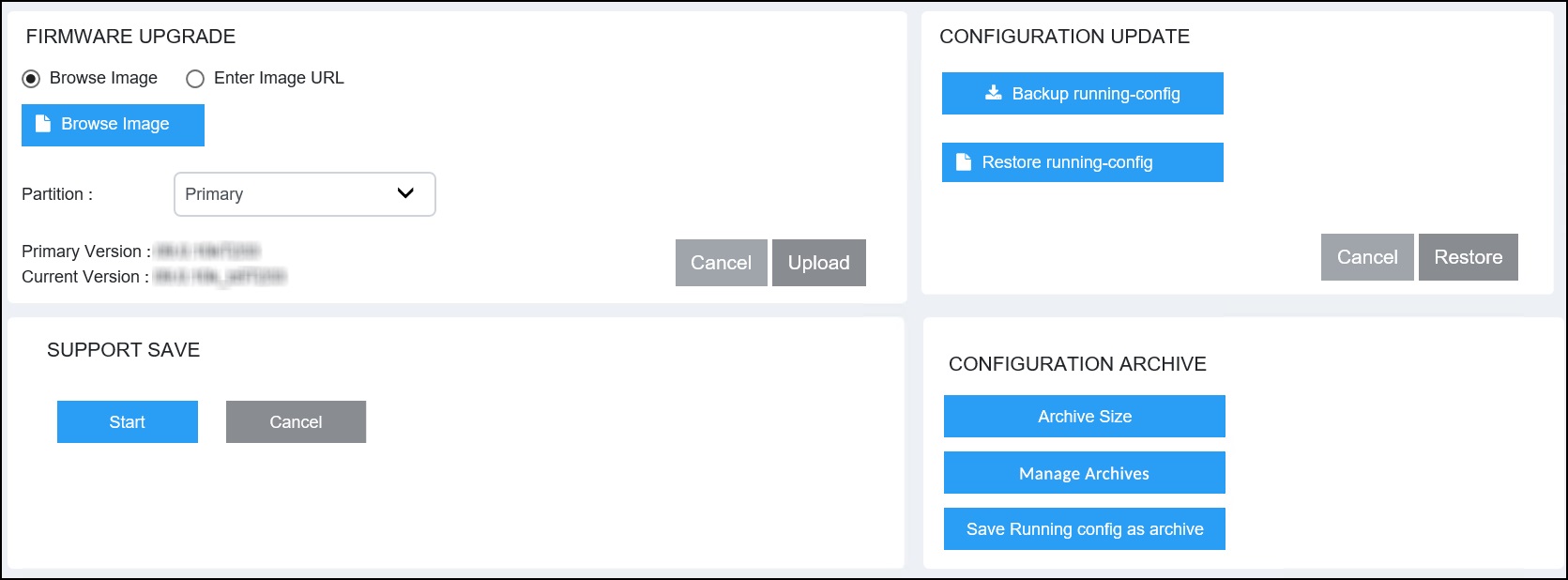
- In the CONFIGURATION ARCHIVE pane, select Save Running config as archive.
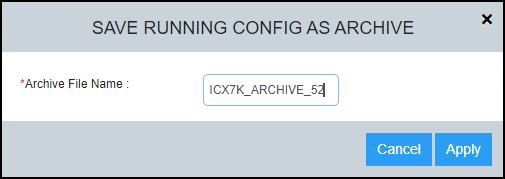
- In the Archive File
Name field, enter a name following the archive-naming convention
(prefixed with a pre-defined string "ICX7K_ARCHIVE"). If a configuration archive with same name exists, the running configuration is not saved.If the number of archives in the system will exceed the configured archive size because of the addition of the new archive file, the oldest archive file that must be deleted is shown in the dialog box.
- Select Apply to save the running configuration as an archive file. A message displays indicating that the running configuration was saved successfully.