Managing the Polling Intervals

Polling the device at regular intervals helps you to monitor the device performance and the network health. The device polls the data to check system status, ports, connectivity, reachability, CPU, memory utilization, temperature, chassis, and so on. You can view and change the poll interval settings for many supported features.
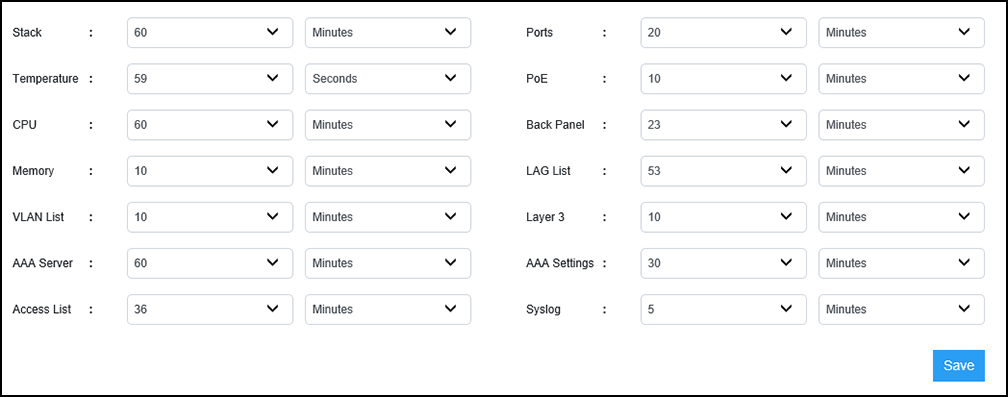
Complete the following steps to view and edit the polling intervals.

  1. Select Management > Polling Interval.
    The polling interval details of supported features are displayed.

    Polling Interval Details

  2. Select the required time value and unit of time (seconds, minutes, or hours) from the list for each feature you want to edit the polling interval.
  3. Select Save to save the changes made to the polling intervals.