Logging In to the Web Management Interface
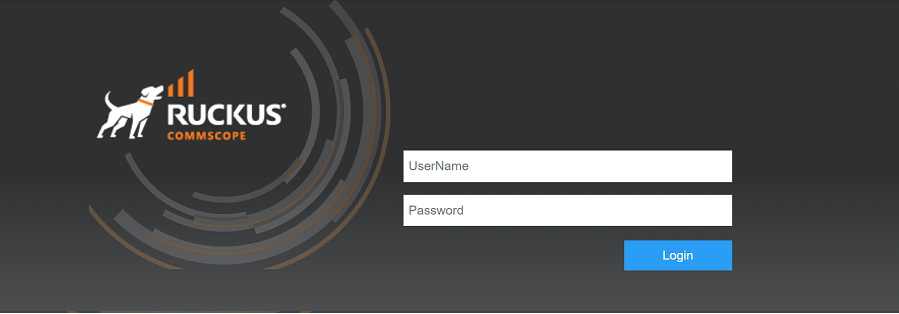
To log in to the Web Management Interface, perform the following steps.
- Launch a web browser and enter
the IP address of the management port in the address bar. You can also access the device using the Management IP address, interface IP address, or VE IP address which is connected to the network.
- Enter the username and password.
- Select . The Dashboard of the Web Management Interface displays.