Managing Syslog Messages
You can configure the logging host (syslog
server) to which syslogs are sent. Events that are logged by the device can be viewed
and
downloaded for debugging and troubleshooting purposes.
Complete the following steps to configure the logging host and view and download the syslog messages.
- Select . You can perform the following actions:
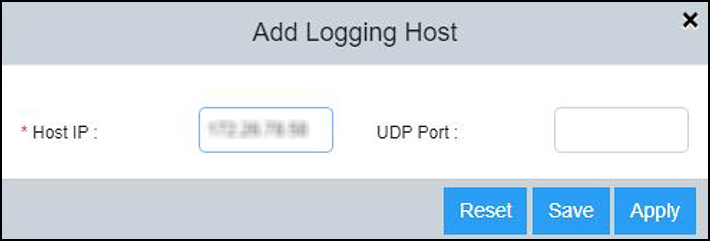
- In the Logging Host
pane, select
 to display the Add Logging
Host dialog box.
to display the Add Logging
Host dialog box.
- Complete the following fields:
- Select Apply to add the
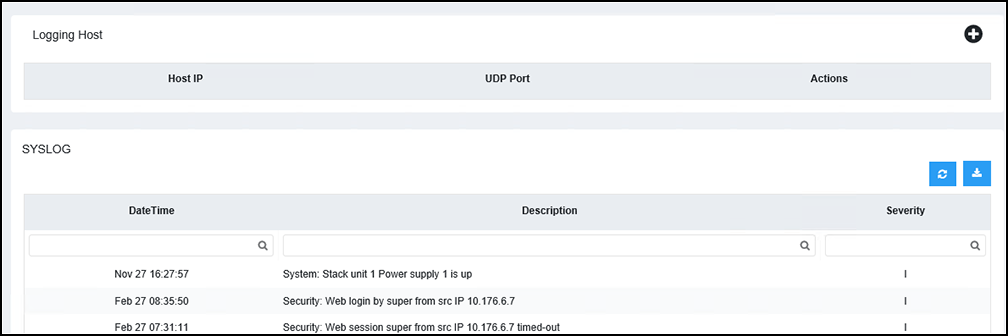
logging host. The SYSLOG pane displays the log details described in the following table.
- Select
 to
refresh the data in the syslog table.
to
refresh the data in the syslog table. - Select
 to
download the logs to the local machine.
to
download the logs to the local machine.
 to delete an existing servers.