Managing Configuration Archives
You can perform various actions to manage
the configuration archives. You can list, view, apply, copy, and delete the configuration
archives.
Complete the following steps to manage configuration archives.
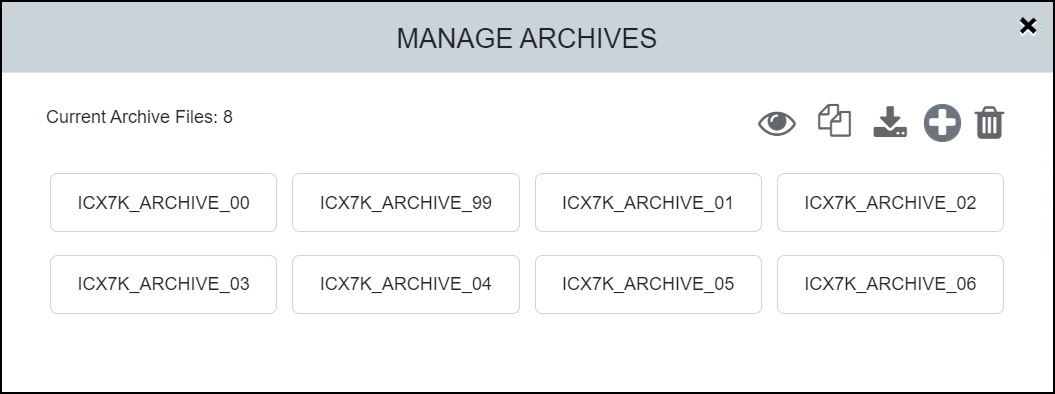
Viewing Archive Content
 to display the content of the selected
configuration archive.
to display the content of the selected
configuration archive.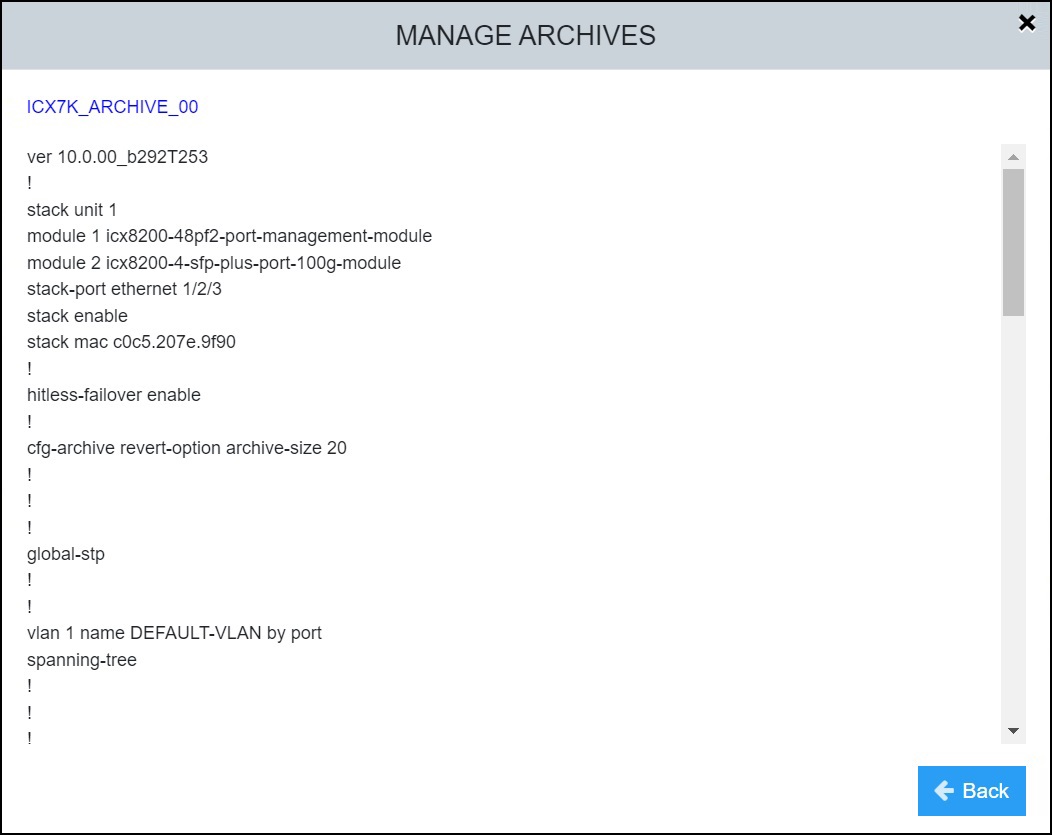
Copying an Archive to Another Archive
- Select .
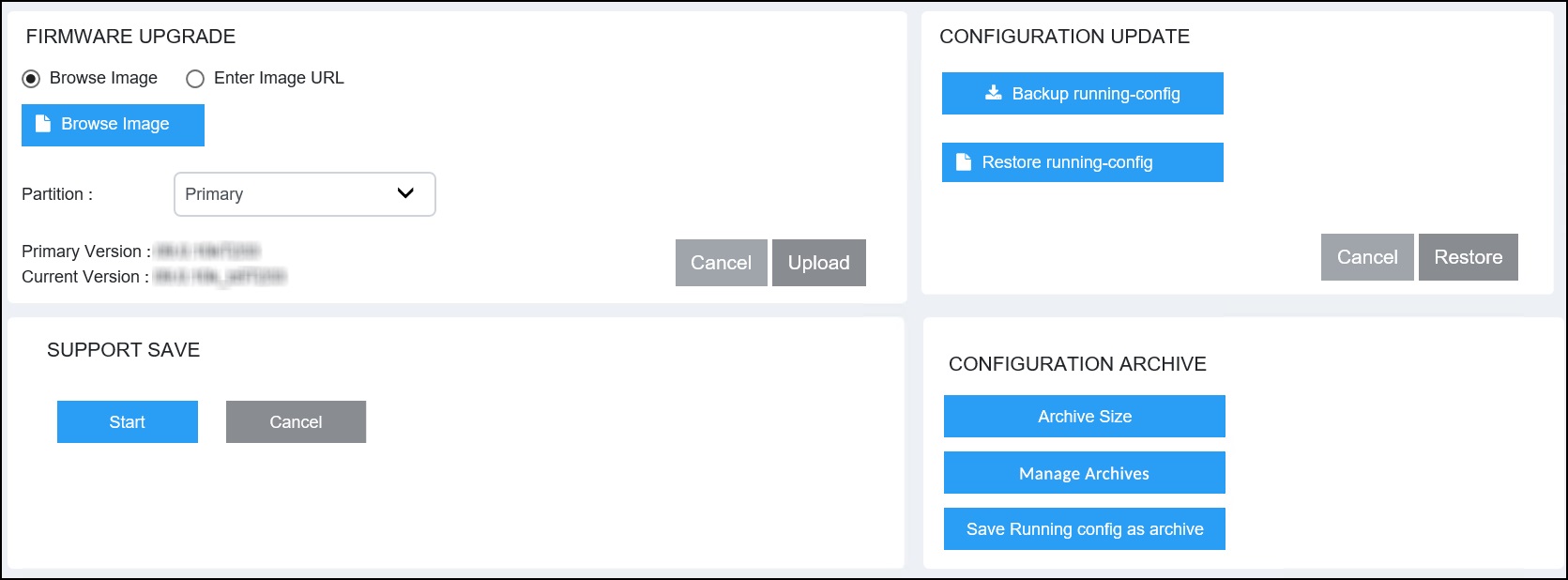
- In the CONFIGURATION ARCHIVE pane, select Manage
Archives.The MANAGE ARCHIVES dialog box displays.
- Select a configuration
archive and select
 .
.
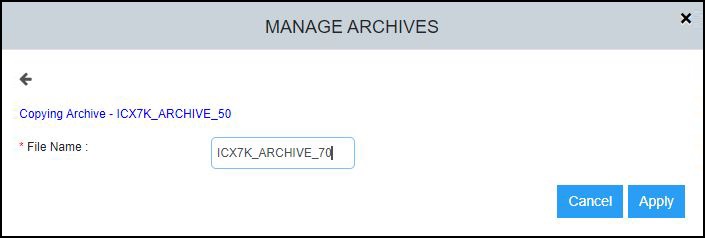
- In the File Name field, enter a name following the archive-naming convention (prefixed with a pre-defined string "ICX7K_ARCHIVE").
- Select Apply to copy the selected archive to the new archive file.
Applying an Archive to the System
- Select .
- In the CONFIGURATION ARCHIVE pane, select Manage
Archives.The MANAGE ARCHIVES dialog box displays.
- Select a config archive and
select
 .
.
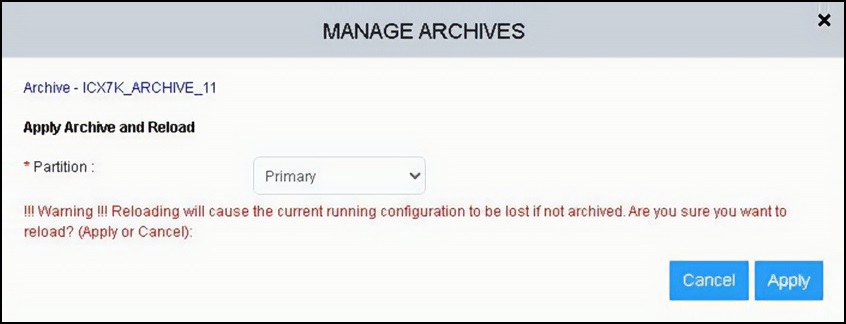
- In the Partition list, select Primary or Secondary to select the partition to which you want to apply the configuration archive.
- Select Apply to load the system with the specified configuration archive.
Uploading an Archive to the System
- Select .
- In the CONFIGURATION ARCHIVE pane, select
Manage
Archives.The MANAGE ARCHIVES dialog box displays.
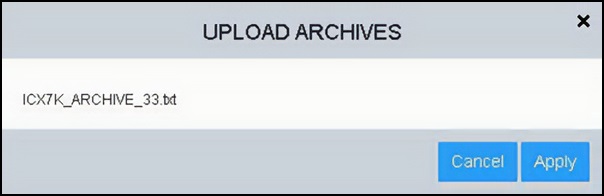
- Select a saved
configuration archive file from the local machine and select
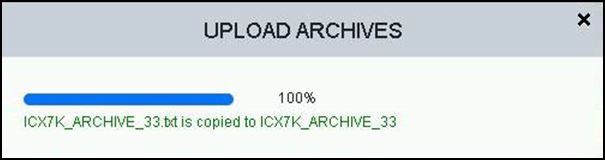
 to upload the archive to the system. If the number of archives in the system exceeds the configured archive size with the addition of the new archive file, the oldest archive file that must be deleted is shown in the dialog box.
 - Select Apply to load the system with the specified configuration archive.
Deleting an Archive
- Select .
- In the CONFIGURATION ARCHIVE pane, select Manage
Archives.The MANAGE ARCHIVES dialog box displays.
- Select a configuration
archive and select
 to delete the selected configuration archive. A
confirmation dialog box displays.
to delete the selected configuration archive. A
confirmation dialog box displays.
- Select Apply to
delete the selected configuration archive. A message displays indicating that the configuration archive has been deleted successfully.
- Select Back to return to the MANAGE ARCHIVES dialog box.