Configuring a RUCKUS Edge Link Aggregation Group
To configure a Link Aggregation Group
(LAG), follow these steps:
- On the RUCKUS One navigation bar, click on .
- Select a device and click the
 icon to expand and view the associated
devices.
icon to expand and view the associated
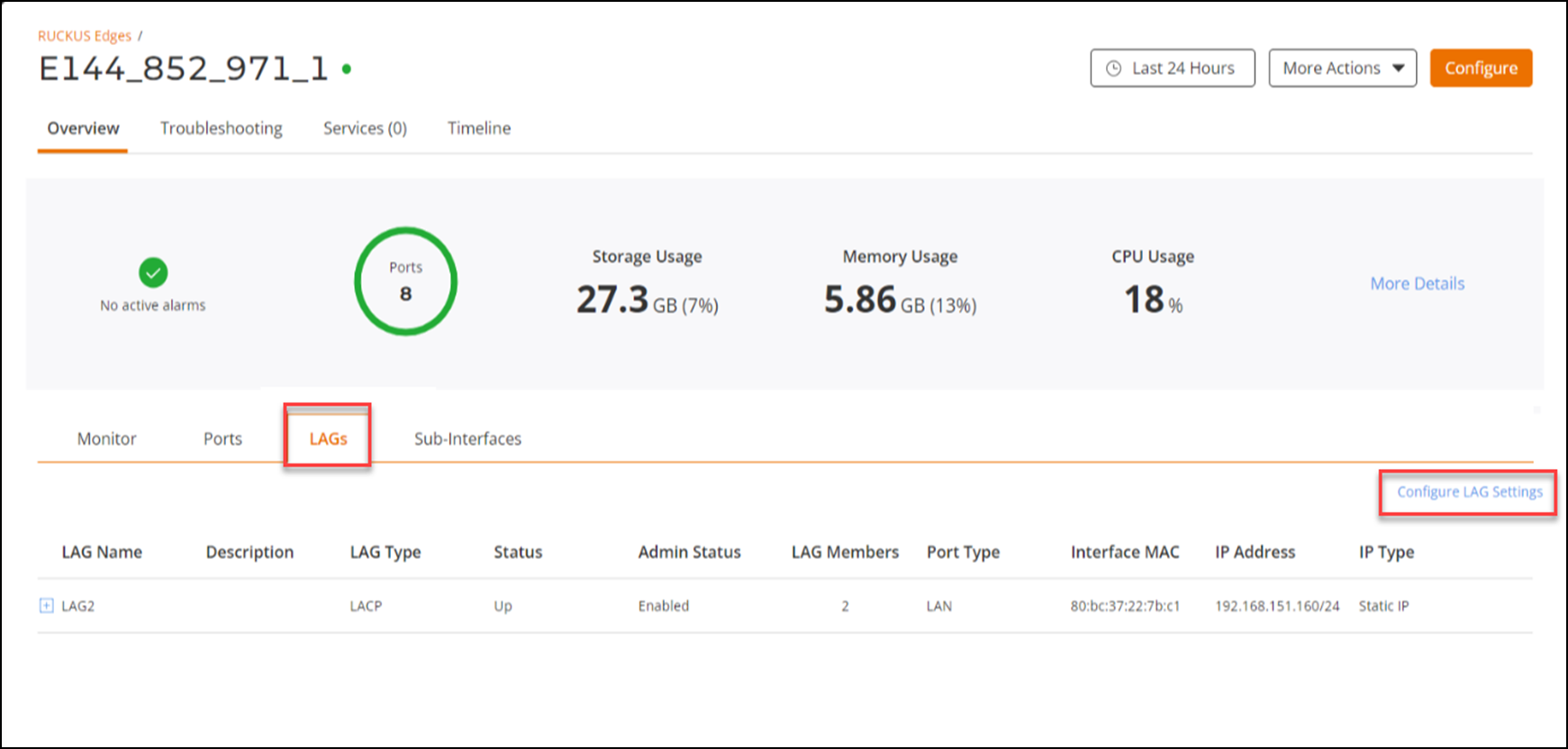
devices. - Click on the device name. This displays the Overview page.
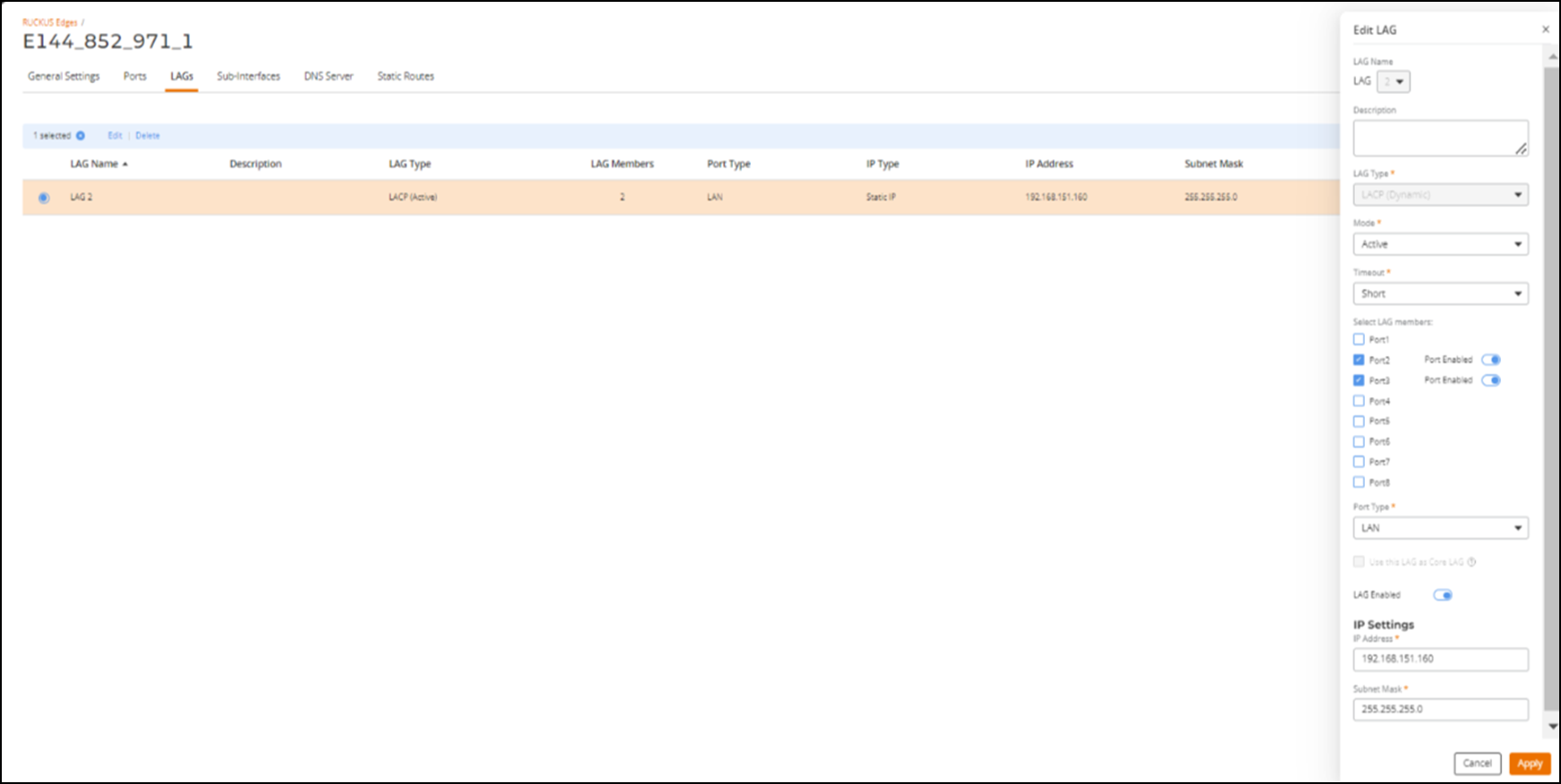
- In the Overview page, click the Configure button on upper-right hand corner and click the LAGs sub-tab. Alternatively, you can directly click the LAGs tab on the Overview page and click Configure LAG Settings.
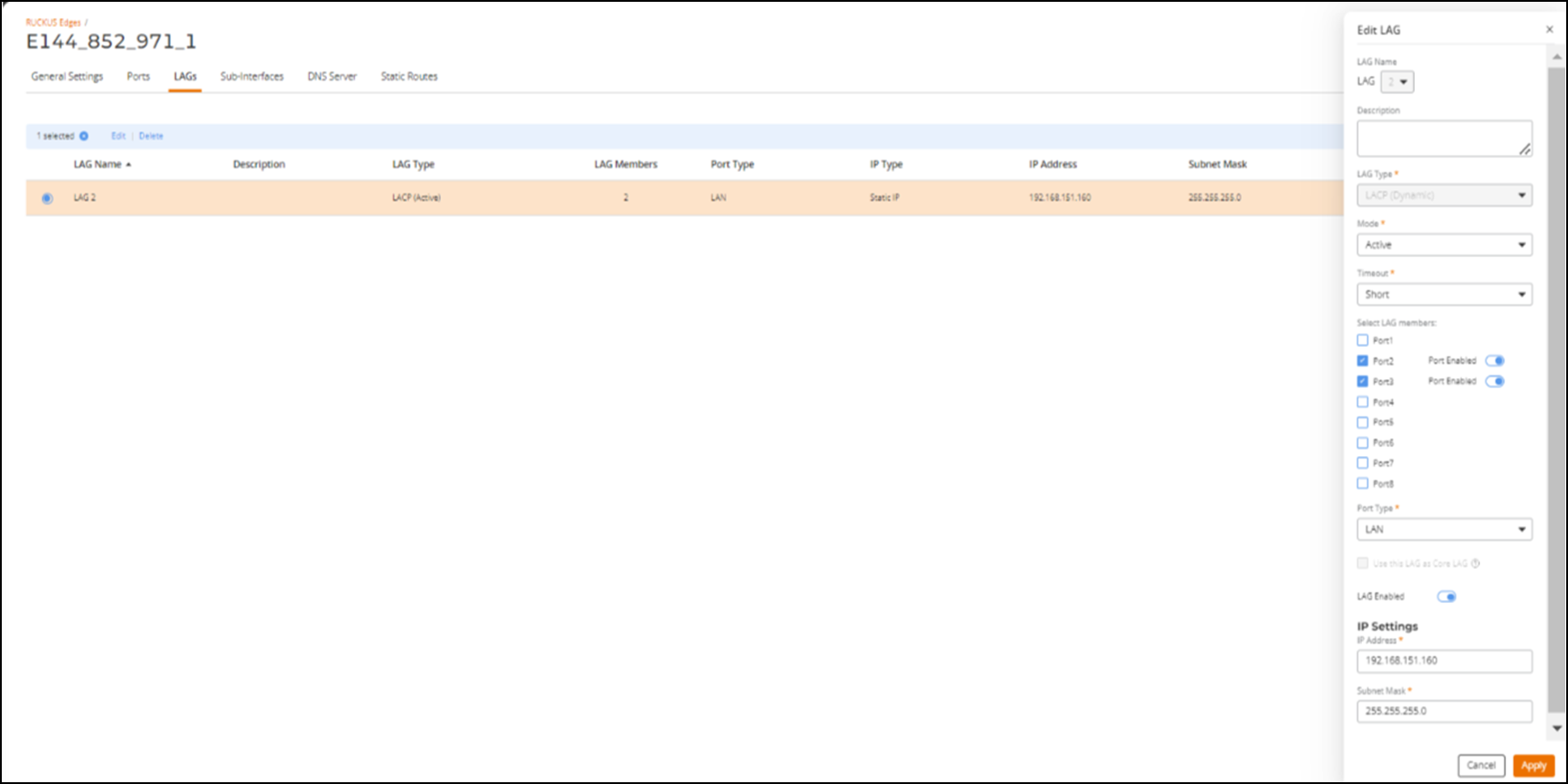
- In the LAGs page, click
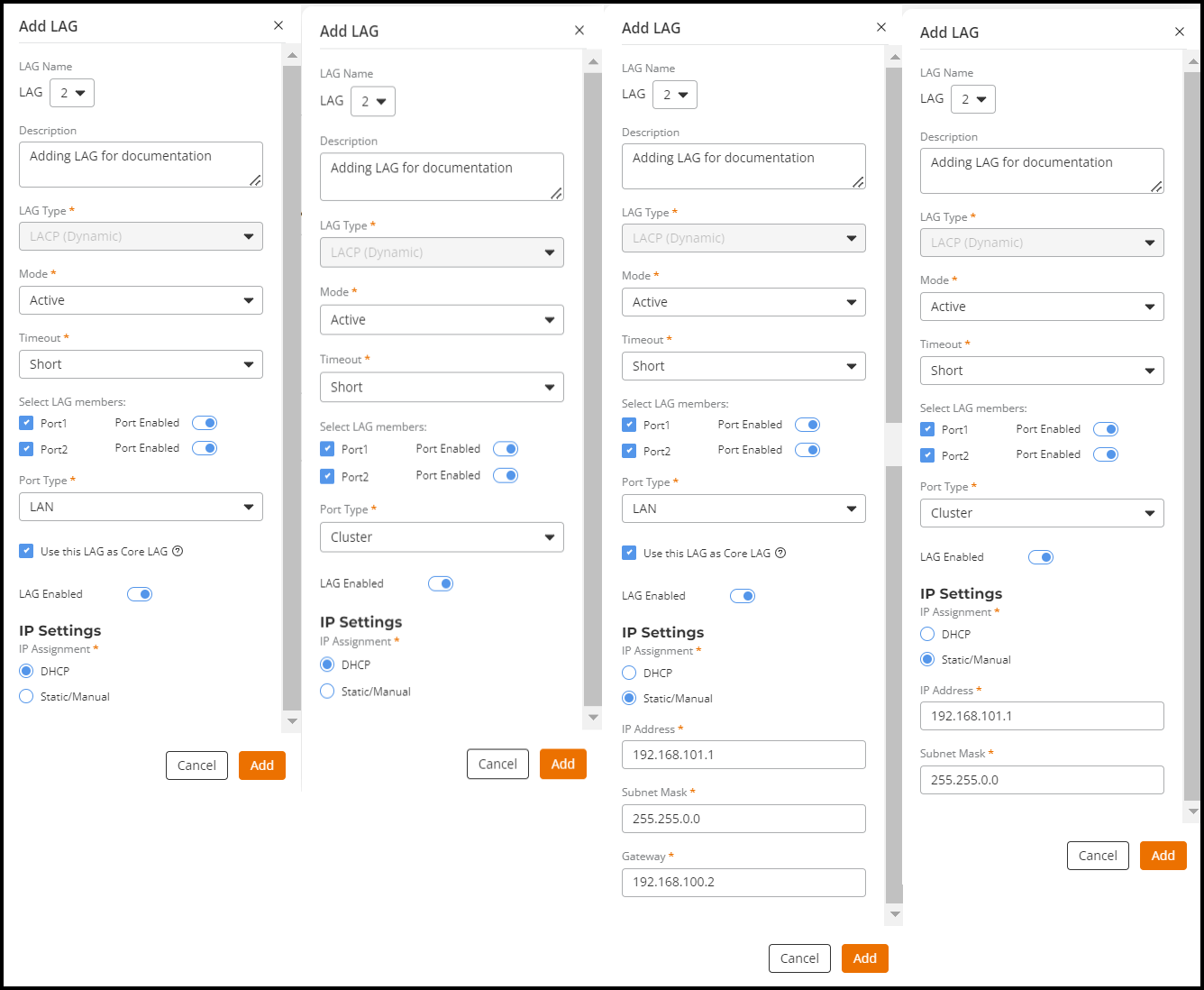
Add LAG. Enter the following details to add a LAG to the RUCKUS Edge device.
- LAG Name: Select name of the LAG from the drop-down list. The LAG name is a numeric value between 0 to 3. After the LAG is created, you cannot edit the LAG name.
- Description: Enter a meaningful short description about the LAG.
- LAG Type: The default type is LACP (Dynamic) as RUCKUS Edge does not support static LAG.
- Mode: Click the
drop-down list and select the mode of the LAG. There are two types of
modes:
- Active : Always initiates Link Aggregation Control Protocol (LACP) and Protocol Data Unit (PDU) to the peer. This is the default mode for RUCKUS Edge LACP LAG.
- Passive : Never initiates any LACP exchange on its own. It responds only after receiving LACP and PDU messages from the peer/partner device. Hence, both peers cannot be in passive mode. At least one of the peers should be configured in active mode.
- Timeout: Time
interval indicates how long the LACP should wait before declaring the
partner as down. This interval also defines the rate at which LACP hello
packets are exchanged among the peers. There are two types of
timeout.
- Long/Slow Timeout: The value of this timeout is 90 seconds. Hello packets are transmitted every 30 seconds. After 3 misses (3*30s = 90 seconds), the peer information is flushed and LACP state is declared as down.
- Short/Fast Timeout: The value of this timeout is 3 seconds. Hello packets are transmitted every 1 second. After 3 misses (3*1s = 3 seconds), the peer information is flushed. This is the default timeout for RUCKUS Edge LACP LAG.
- Select LAG Members: A physical port associated with a LAG interface is a LAG member. To associate LAG members, select the ports which need to be a member of a LAG and enter the following details:
- IP Settings:
Select one of the following for IP
Assignment.
- DHCP - Dynamic Host Configuration Protocol (DHCP) is a client or server protocol that automatically provides and Internet Protocol (IP) with its host IP address.
- Static/Manual - Enter the IP address, Subnet Mask, and Gateway Protocol manually.
- After entering all the details, click Add.