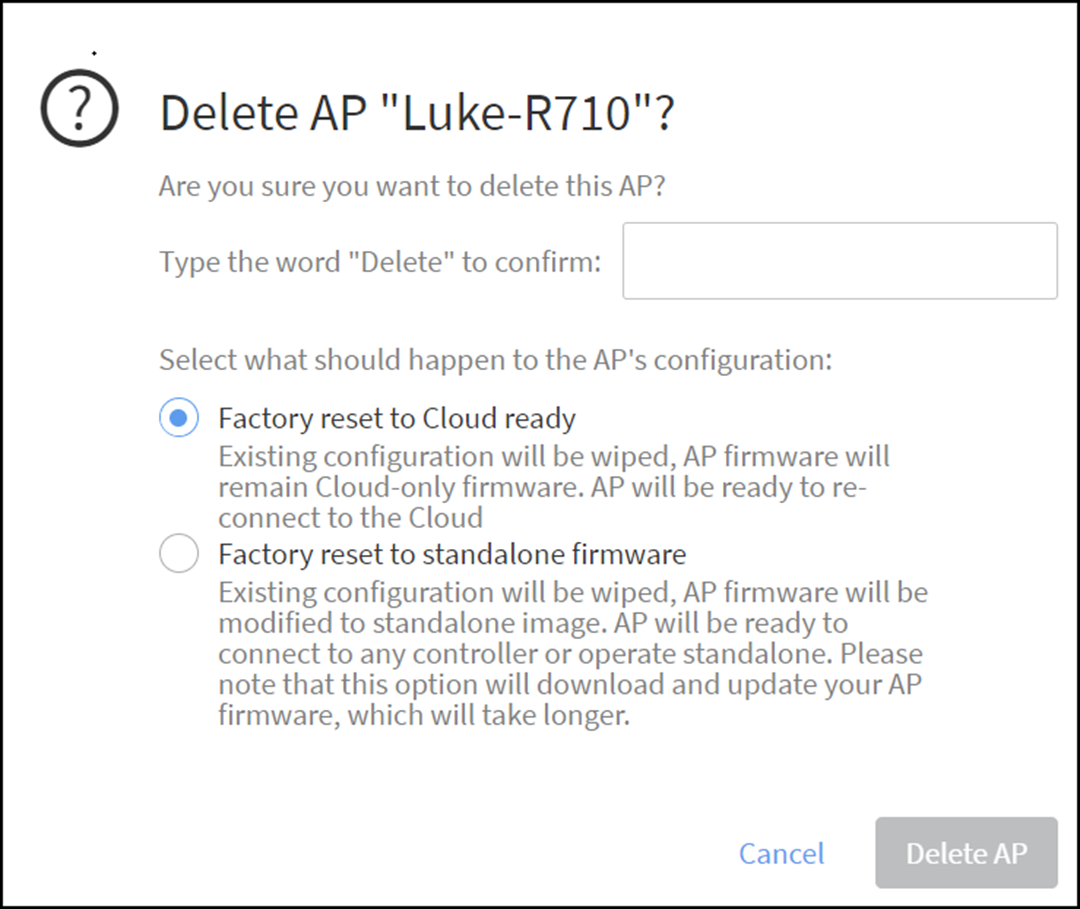
Deleting an AP from RUCKUS One and/or Resetting AP to Factory Default
If you want to remove an AP from your
RUCKUS One account, you will need to delete it. If you want to delete an AP from
RUCKUS
Cloud and then wish to add the AP to other controllers such as RUCKUS SmartZone
or RUCKUS
ZoneDirector, you need to factory reset the AP.
- On the navigation bar, click .The Wi-Fi page is displayed.
- Click the name of the AP that
you want to delete or reset to factory default.
- Factory reset to Cloud ready: Existing configuration will be wiped, AP firmware will remain Cloud-only firmware. AP will be ready to re-connect to the Cloud
- Factory reset to standalone firmware: Existing configuration will be wiped, AP firmware will be modified to standalone image. AP will be ready to connect to any controller or operate standalone. Please note that this option will download and update your AP firmware, which will take longer
- Enter Delete to confirm deleting the AP and click Delete AP.