Editing a Switch Stack
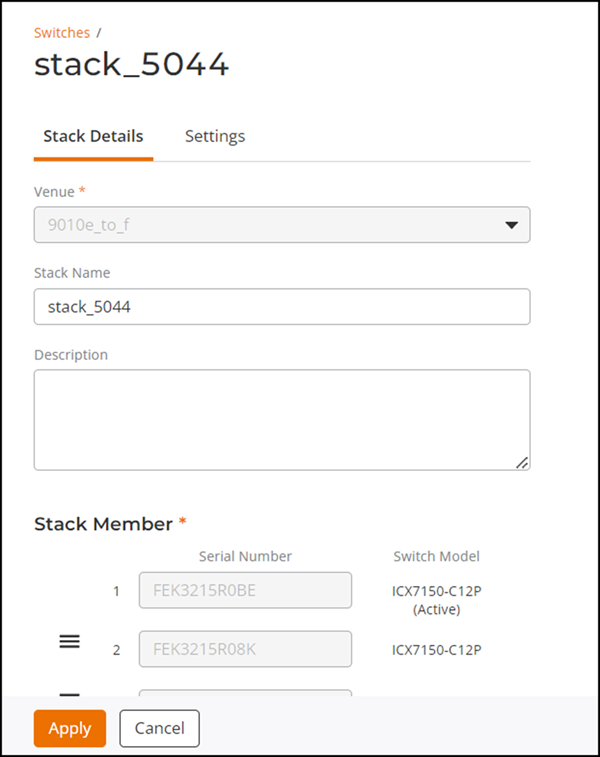
You can edit a switch stack to change
stack description or update the default gateway.
- On the navigation bar, click . The Switch page is displayed.
- Select the stack that you want to edit.
- Click Edit.
- You can edit the following :
- (Optional) Click the hamburger icon to rearrange the stack members.
- (Optional) Click Add another member to add a switch to the stack. Enter the serial number of the switch to add to the stack.
- (Optional) Click the delete icon to remove a switch from the stack.
- After editing the stack, click Apply to save the stack.