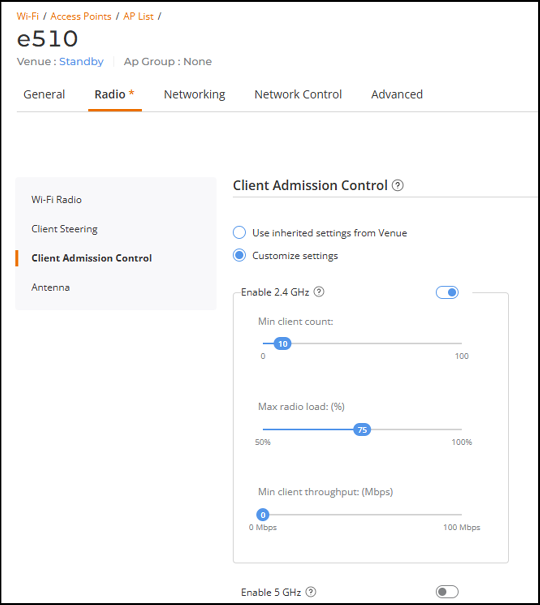
Customizing Client Admission Control Settings of an AP
You can configure the custom settings for
client admission control or use the venue settings.
- On the navigation bar, click .The Wi-Fi page is displayed.
- Click the name of the AP.
- On the upper-right corner, click
Configure. The AP configuration page is displayed.
- Click the Radio tab.
- From the left mini navigation bar, click Client Admission Control. The Client Admission Control configuration page is displayed.
- Toggle the Enable 2.4 GHz and Enable 5 GHz buttons and configure the following settings.
- Click Apply.