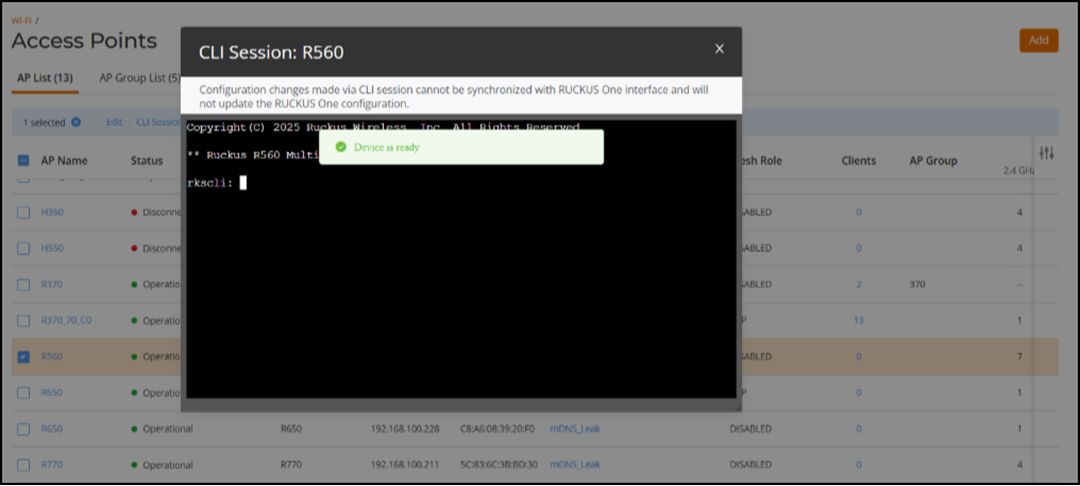
Initiating an AP CLI Session from RUCKUS One
The AP CLI Session feature enables
seamless access to the AP CLI interface directly from the RUCKUS One user interface
to
initiate CLI sessions without requiring terminal access or login credentials. An event
is
generated whenever an AP CLI session is initiated from the user interface.
Note: Access to the feature is restricted
to customer accounts that possess AP edit permissions, specifically those assigned
the following roles: ADMIN and PRIME_ADMIN.
Complete the following steps to launch a CLI session for an AP.
- Access the list of APs using one of the following methods:
- Click the checkbox for the AP that you want to access. The CLI Session option appears above the list of APs. Alternatively, click on the name of the AP to access the AP’s details, then click More Actions. The CLI Session option appears in the drop-down menu.
- Click CLI Session. The CLI console is displayed.