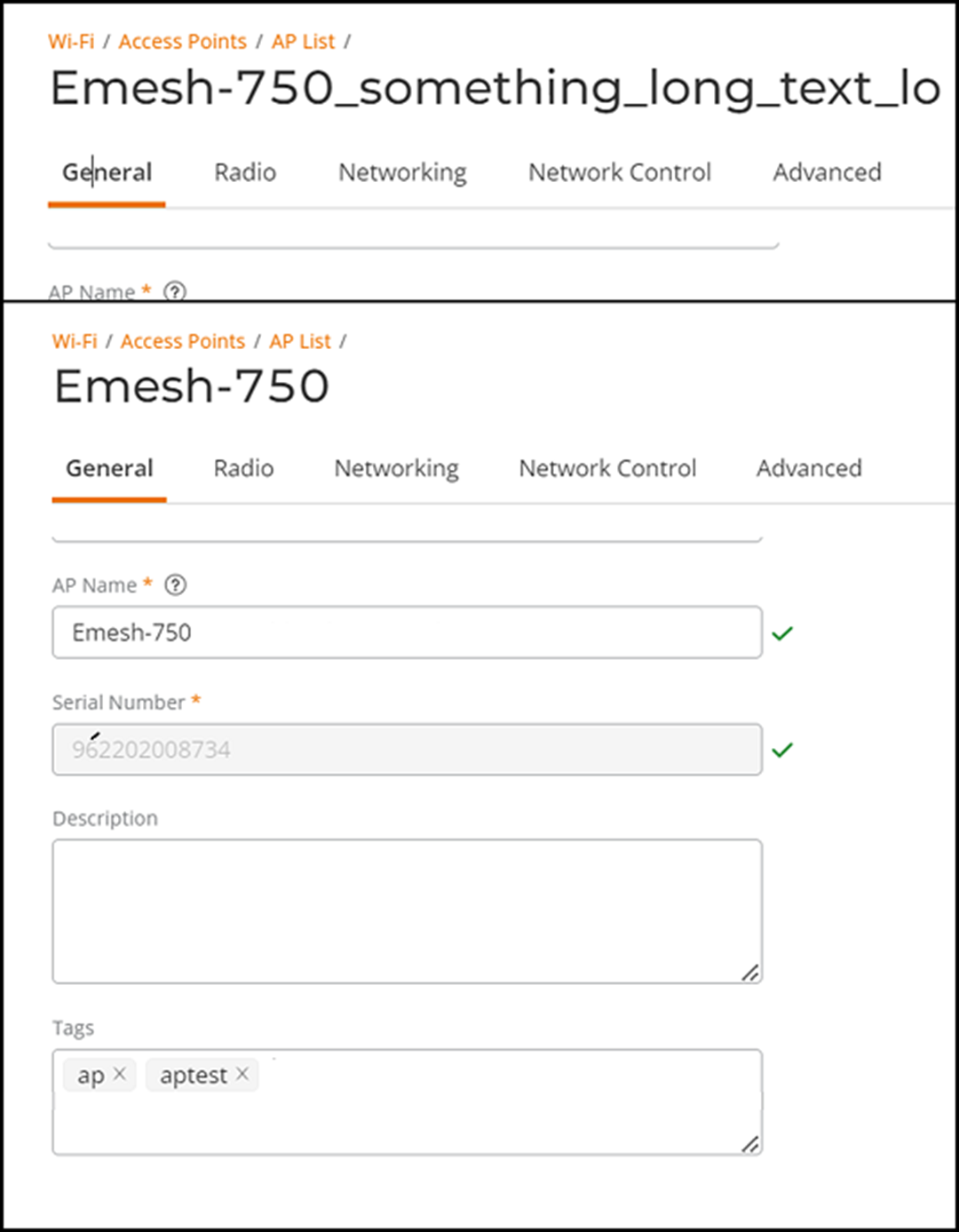
General Settings
On the General
settings page of an access point, you can edit the IP settings.
- On the navigation bar, click .The Wi-Fi page is displayed.
- Click the name of the AP to edit the IP settings.
- On the upper-right corner, click Configure.
- (Optional) Edit the AP name, description, tags, and GPS coordinates.Note: ACX-79315
The GPS settings must correspond to the venue's country. When relocating an AP, the system ensures that the GPS coordinates are consistent with the venue's country and issues a warning message Cannot set AP GPS coordinates to a location in a different country code or country than the venue if there is a discrepancy. This rule does not apply to APs with AFC enabled and outdoor APs that support 6GHz.
- After editing, click Apply.