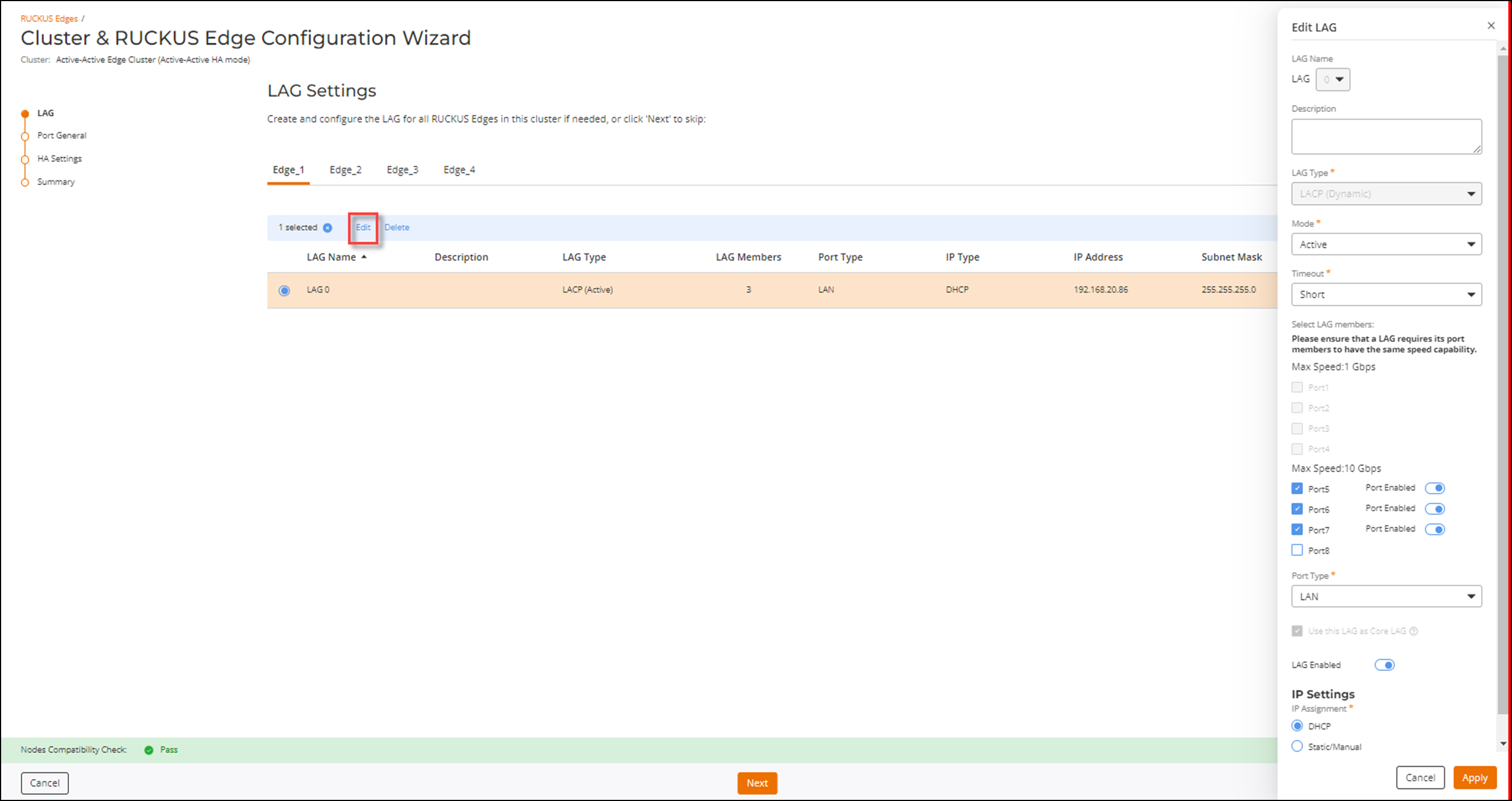
Editing a LAG
- On the navigation bar, click .This displays the RUCKUS Edge page.
- Select a Edge device from the
list and click on the name.This displays the RUCKUS Edge details page.
- Click the Configure button in the upper-right corner of the page.
- In the General Settings
page, click the LAGs tab.This displays the LAGs page.
- In the LAGs page, select a LAG from the list. This highlights the Edit and Delete links, click Edit.