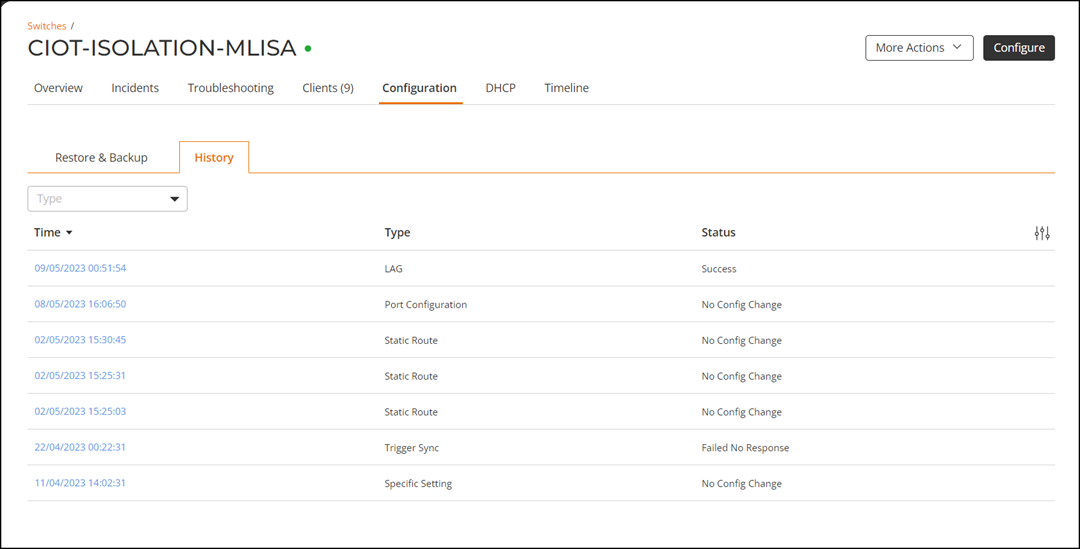
Configuration History
RUCKUS One retains
a configuration history itemizing each attempt to modify a switch configuration
setting
using the RUCKUS One GUI. Each entry provides a timestamp hyperlink to view details of the setting
modification, the type of setting, and the final status of the modification
attempt.
- On the navigation bar, click .The Switch page is displayed.
- Click name of a switch from the list of switches.
- Select the Configuration tab and click the History tab. The History page is displayed. This page displays the time, type of operation, and result.
- Click the timestamp under Time to view the configuration details.
- Click Close to exit the page and return to History page.