Creating NAT License Assignment
A NAT license assignment determines the
number of NAT sessions and flows available to Data Planes in a SmartZone Controller
Cluster.
The license assignment controls how the system allocates and tracks NAT translation
resources.
- Go to .
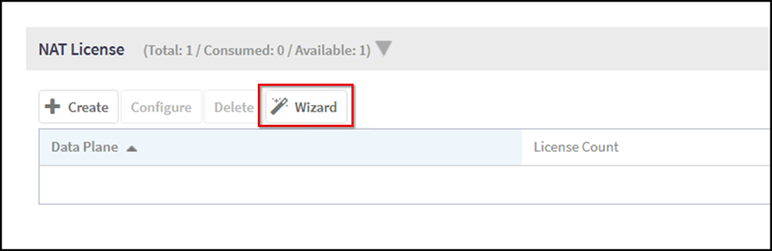
- From the NAT License section,
click Wizard. The DP NAT Wizard page opens.
- In the wizard, do the following:
- Data Planes: Select one Data Plane from the list
and click Next (only Data Planes without an
assigned NAT license are shown). Use the → button to move the
selected Data Plane to the Selected Data Planes panel.Note: You can select only one Data Plane per NAT license assignment.
- Service Profile:
From the NAT
Profile drop-down, select an existing NAT profile or click
 to create a new one.
- Click Next.
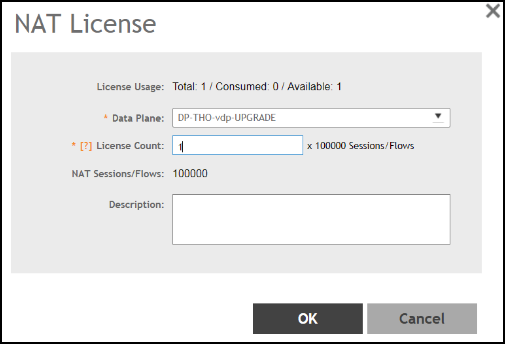
- License: Enter the desired License Count
(range: 1–N, based on available licenses) and optionally a description
for the assignment.Note: Each license provides 100,000 NAT sessions/flows.
- Review: Confirm your selections for Data Plane, NAT Profile, and License Count.
- Data Planes: Select one Data Plane from the list
and click Next (only Data Planes without an
assigned NAT license are shown). Use the → button to move the
selected Data Plane to the Selected Data Planes panel.
- Click OK to save the license assignment.
- (Optional) To edit an assignment, select it and click Configure.