Welcome Screen With AUP
When the user enters the enrollment URL on their device, the Login (or Welcome) screen
displays.
The Login screen is typically customized with the logo, colors, and text for the organization or institution. The screens in this example use the default look and feel of the application.
Note: If you have set up a captive portal, the user connects to onboarding SSID and is
redirected to the Cloudpath Welcome page to start the enrollment process.
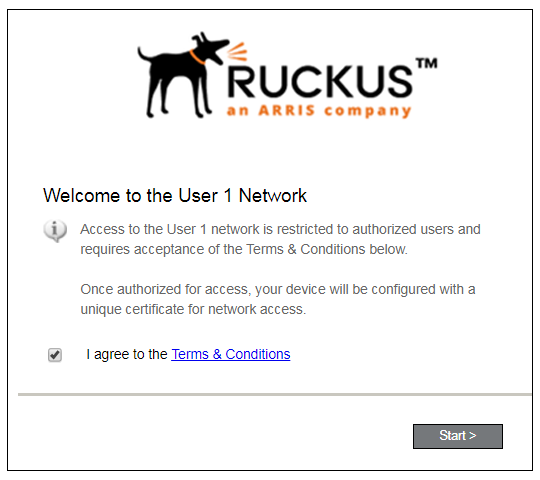
An acceptable use policy (AUP) prompt displays a message and requires that the user signal acceptance to continue. The welcome text and Start button can be customized.