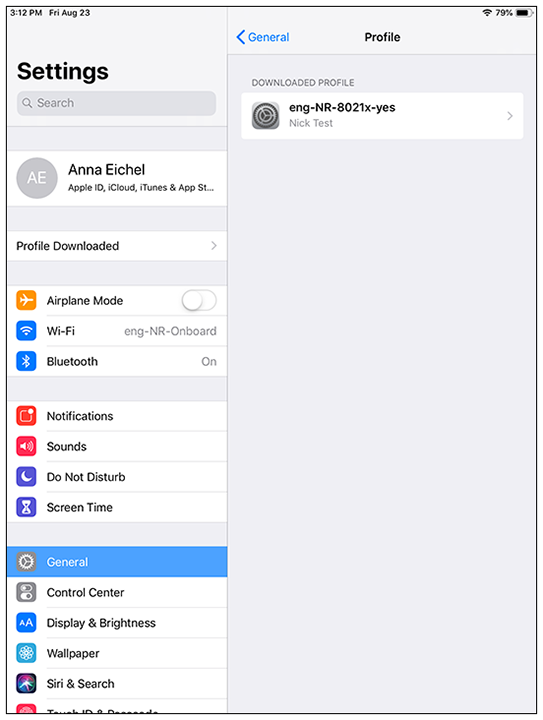
Connect to Secure Network Follow these steps: If you wish to view the profile, go to Settings > General > Profiles: View Profile In Settings > Wi-Fi, tap and set the Wi-Fi switch to on. In Settings > Wi-Fi, select the secure SSID network. The user should be connected to the secure network. Parent topic: User Prompts