Managed Chromebooks With Extension User Experience
If managed Chromebooks are configured, the download page does not display.
When Cloudpath detects the Chrome OS during enrollment, the extension automatically generates and installs the CA certificate into the TPM.
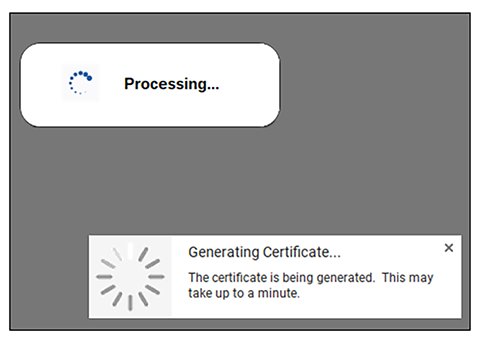
The extension generates the certificate.
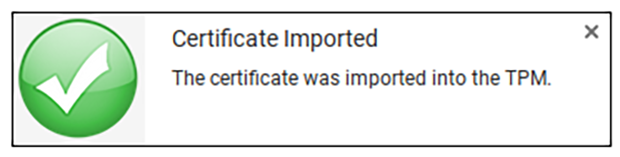
The extension imports the certificate into the TPM.
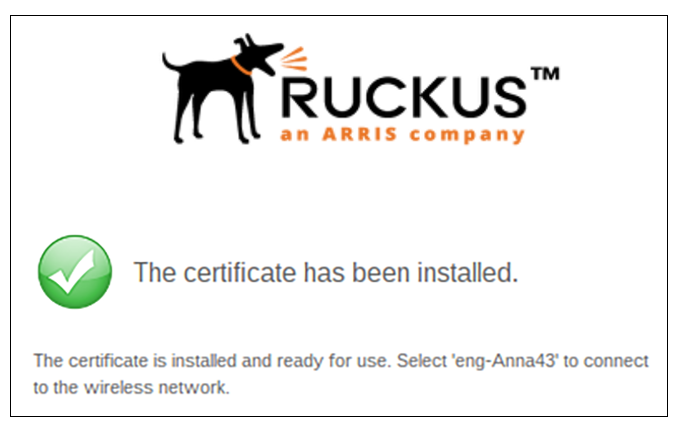
When the certificate installation is complete, a message displays indicating that the certificate is installed and ready for use.
If not automatically migrated, click the Wi-Fi icon in the bottom right corner of your screen and select the secure network.
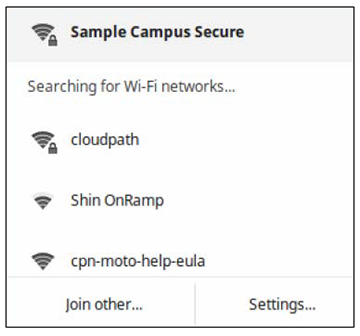
The user should now be connected to the secure network.