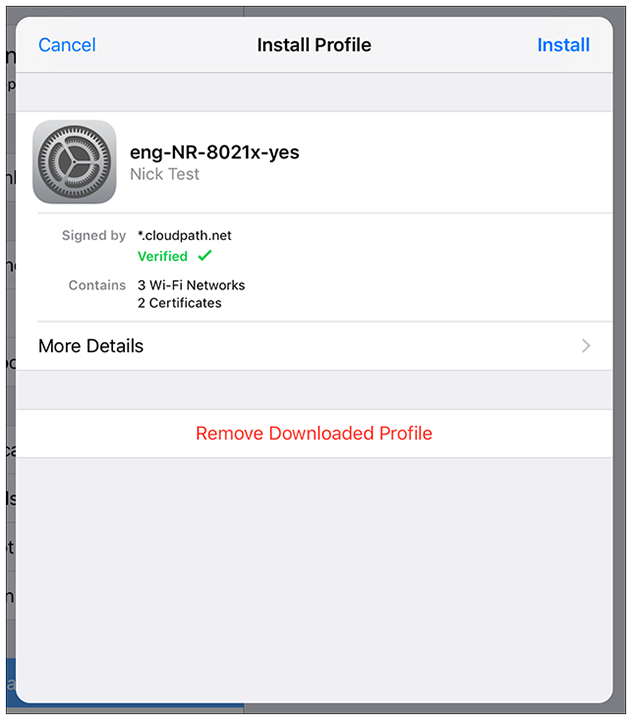
Install Profile
Follow these steps:
- Go to the main screen of your iOS device.
- Tap the Settings icon.
- Tap Profile Downloaded.
- On the Install Profile window, tap Install:
- If prompted, enter the device passcode and continue.
- If prompted, install the root CA.
- If prompted, confirm the installation of the profile.
- You should receive a "Profile Installed" message. Tap Done.