Step 5: Verify the Settings
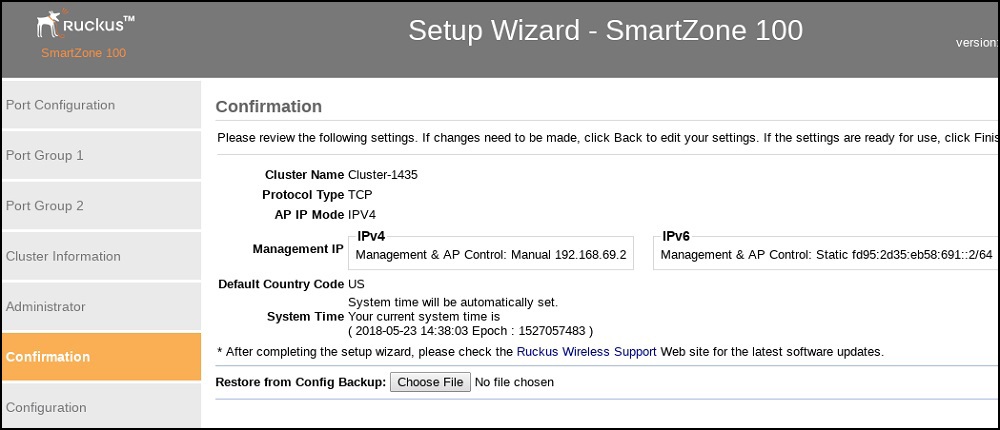
Verify that all the settings displayed on the Confirmation page are correct. If they are all correct, click Finish to apply the settings and activate the controller on the network.
A progress bar appears and displays the progress of applying the settings, starting the controller’s services, and activating the controller on the network.
When the process is complete, the progress bar shows the message
100% Done. The page also shows the IP address through which you can access the controller’s
web interface to manage the appliance.
Congratulations! You have completed the Setup Wizard. You are now ready to log on to the controller’s web interface.