Powering On the Controller

Note: The AC power cable (part number 902-0174-XX00, where XX is the two-character country code) is not supplied with the controller and may be ordered separately.

Follow these steps to use AC to supply power to the controller.

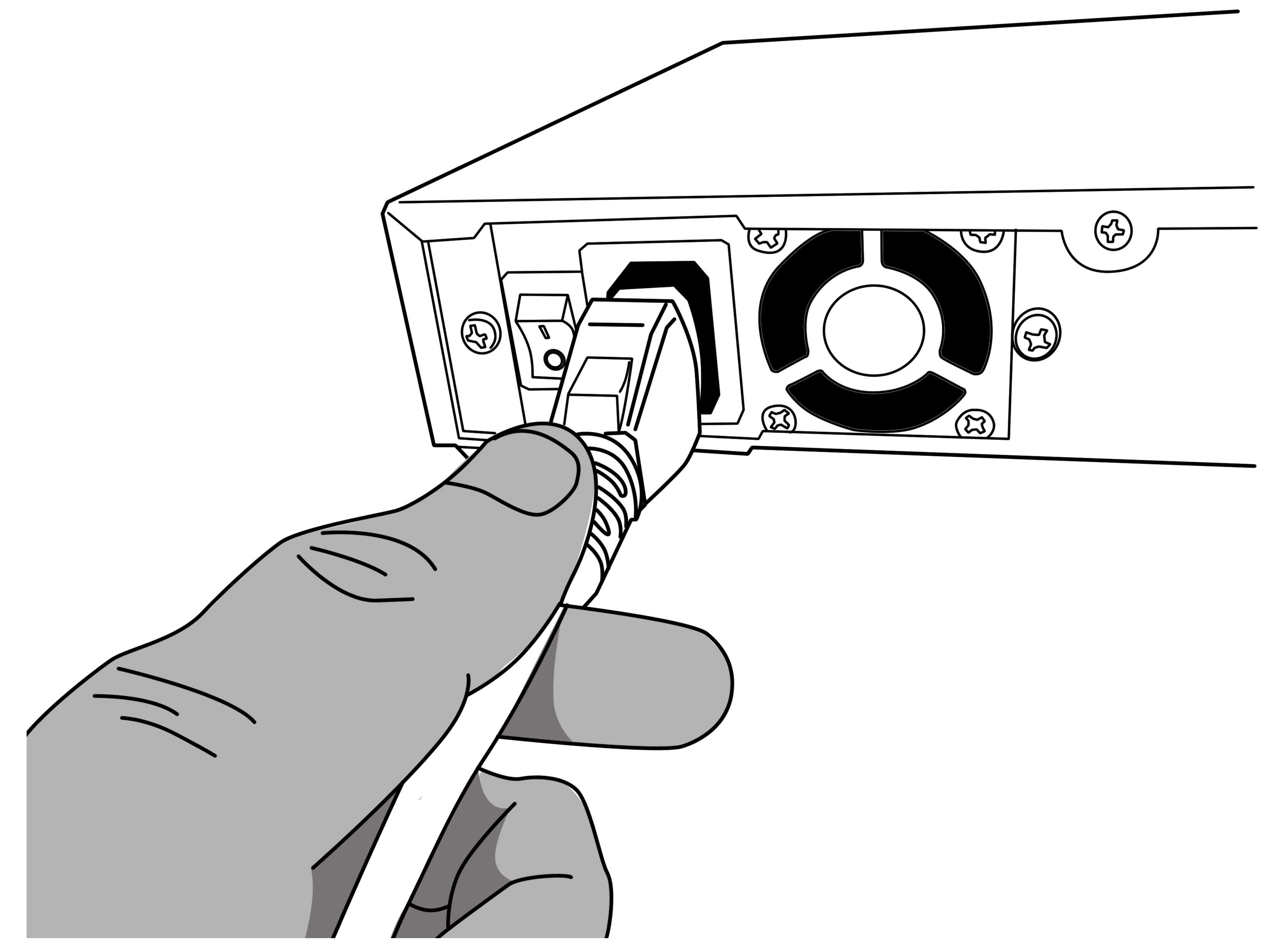
  1. Connect the AC power cable to the power socket on the rear panel.

    Connect the AC cable to the power socket

  2. Connect the other end of the power cable to an electrical outlet.
  3. Press the power switch on the rear panel to power on the SZ 100. The power LED on the front panel turns amber while the SZ 100 boots up, and turns off when the startup is complete.
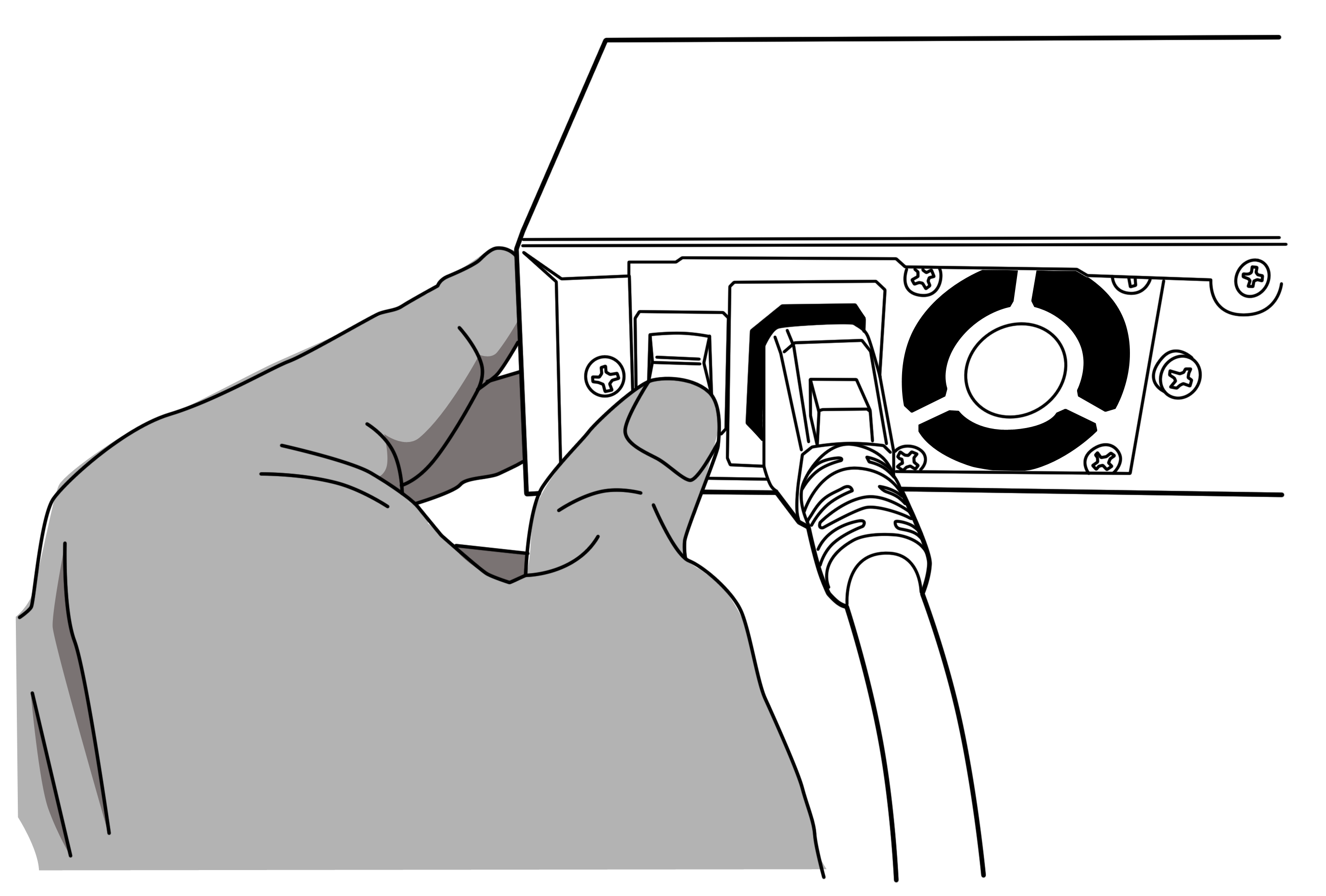
    Press the power switch to power on the SmartZone 100

    You have completed powering on the controller.