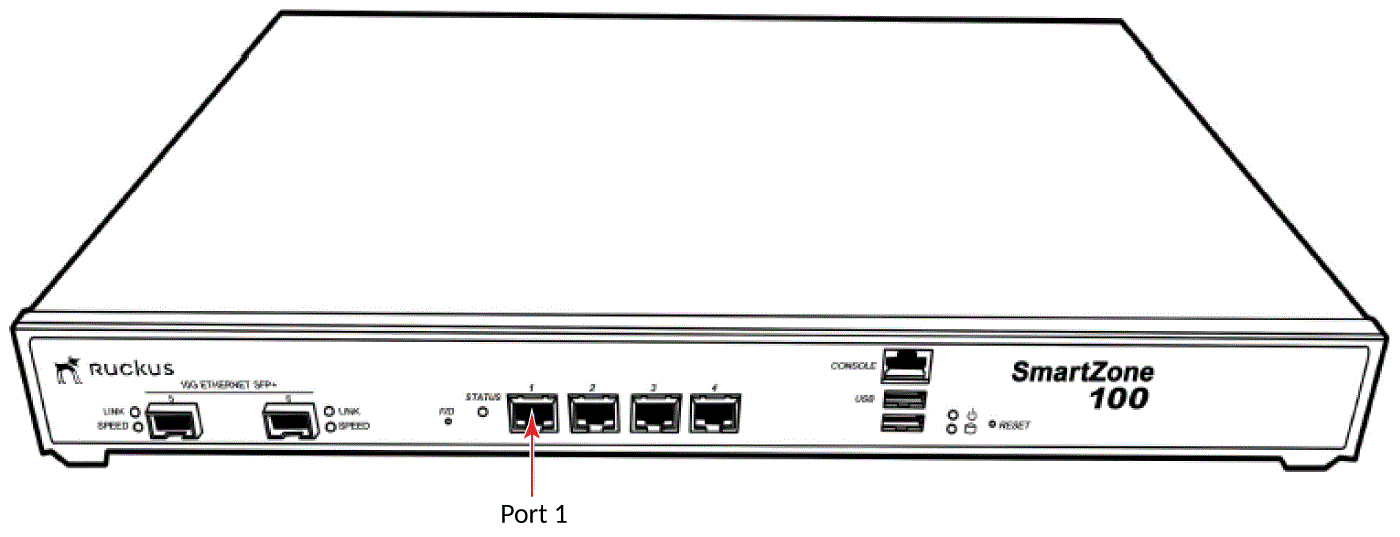
Connect one end of an Ethernet cable to Port 1 on the front panel of the controller,
and then connect the other end to an Ethernet port on the administrative computer.
Location of Port 1 on the front panel
Start your web browser, and then enter the following in the address bar:
https://192.168.2.2:8443
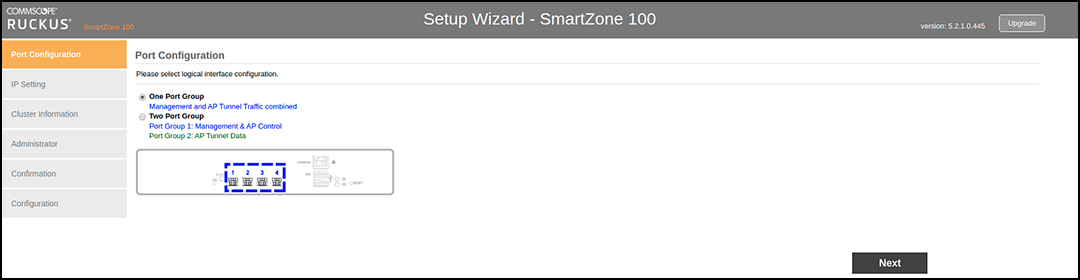
The Setup Wizard appears, displaying the
Port Configuration
page.
The Port Configuration
page with the One Port Group option selected