General Settings
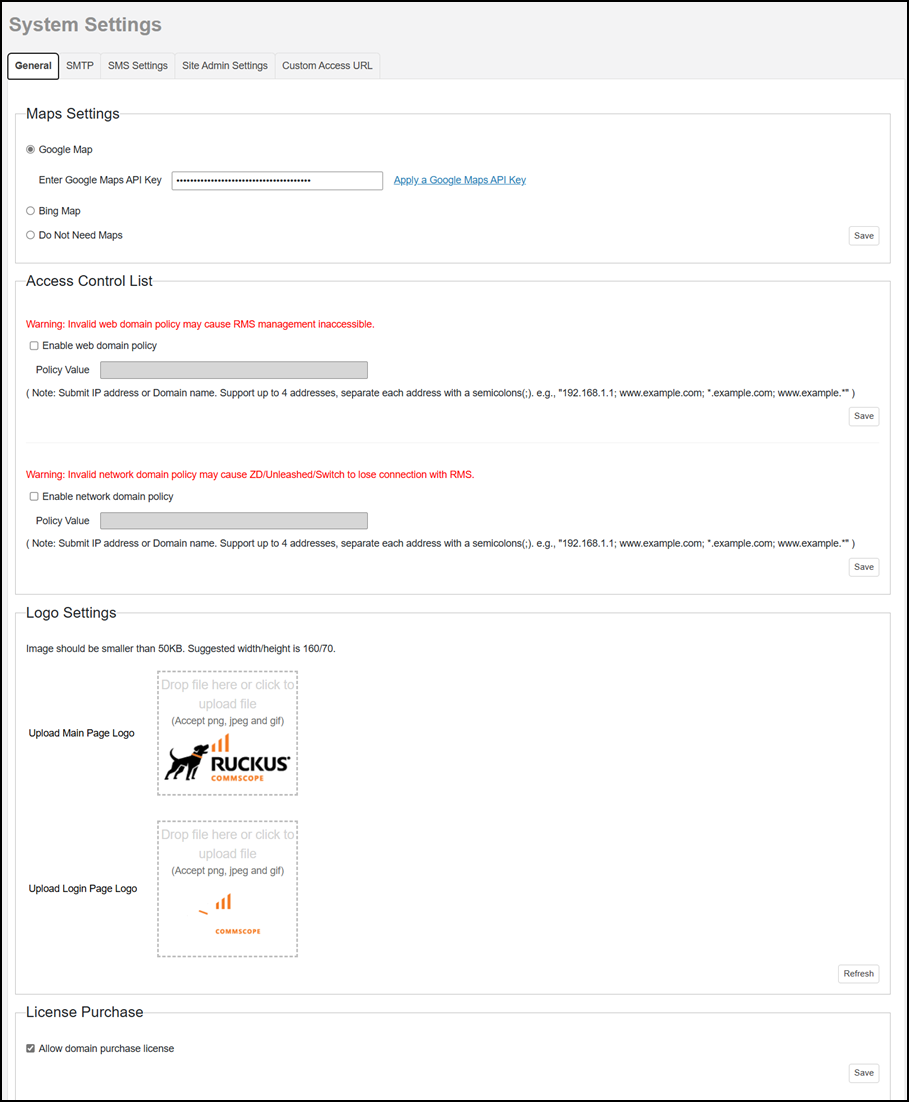
Maps Settings
To use the Google Maps API, you must register the RMS for Unleashed on the Google API Console and get a Google API key (which you can then apply to RMS for Unleashed). Select the Google Map option. If you already have a Google API Map Key, type the key to establish a connection with Google Maps and click Save. Otherwise, click Apply a Google Maps API Key to generate a key, then enter the key here and click Save.
To use the Bing Maps API, you must register the RMS for Unleashed on the Bing Maps Dev Center and get a Bing API key (which you can then apply to RMS for Unleashed). Select the Bing Map option. If you already have a Bing API Map Key, type the key to establish a connection with Bing Maps and click Save. Otherwise, click Apply a Bing Maps API Key to generate a key, then enter the key here and click Save.

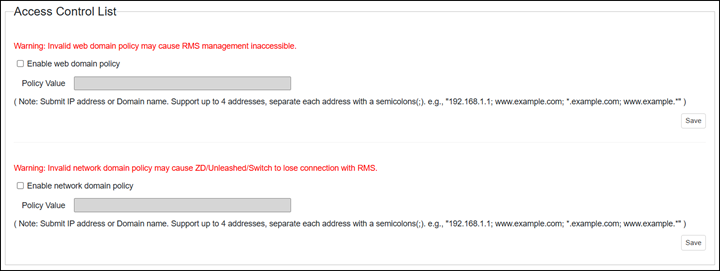
Access Control List
When this feature is enabled, Remote Management Services (RMS) blocks all the IPs which are not in the list. The web domain policy ensures the secure connectivity of external networks to RMS web and public APIs. The network domain policy ensures the secure connectivity of RMS with Unleashed or switches. To enable and configure one or both policy types, click the checkbox to enable the policy, insert up to four IP addresses or domain names, then click Save.
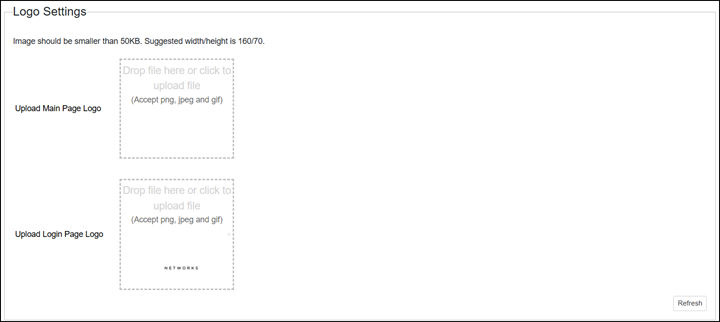
Logo Settings
You can change the logo that appears on the upper-left corner of the RMS Web interface, as well as the login page logo, to a different image (for example, your company logo). To do this, you need to upload an image file to replace the existing logo. The image file must be smaller than 50KB, with a recommended size of 160 by 70 pixels. Click Refresh to view the modified logo in the web interface.
License Purchase
The Brand Admin can allow Domain Administrators to independently purchase licenses from RUCKUS. Click the Allow domain purchase license checkbox to enable this option.
