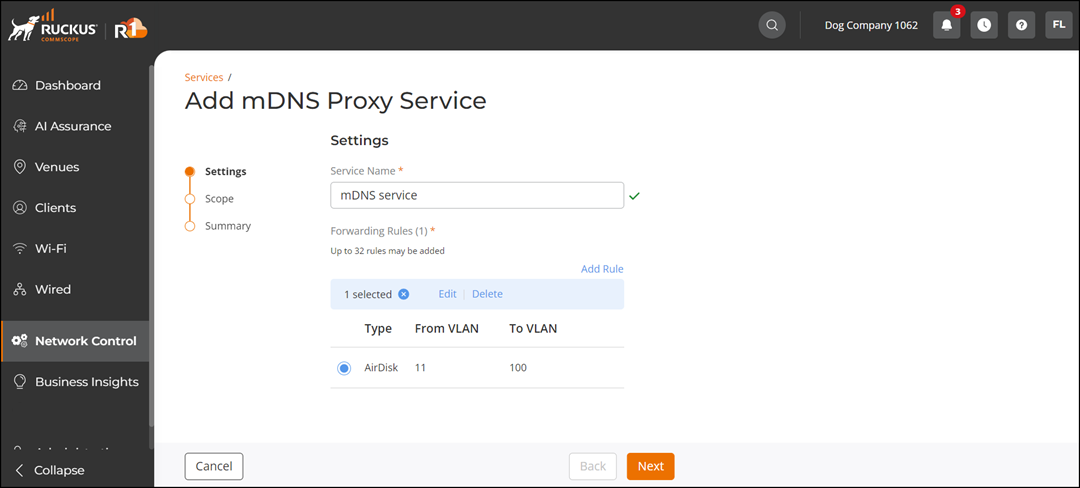
Adding mDNS Proxy Service
From the RUCKUS One web interface, you can
add the mDNS Proxy service.
- From the navigation bar, select
. Alternatively, You can click on . The Service Catalog page is displayed.
- Find the mDNS Proxy tile and click Add.
- From the Add mDNS Proxy Service page, select Wi-Fi (default), and click Next.
- Complete the Settings page and click Next.
- In the Scope page, select a venue and click Next.
- Review Summary page and click Finish.