Add Certificate Instance
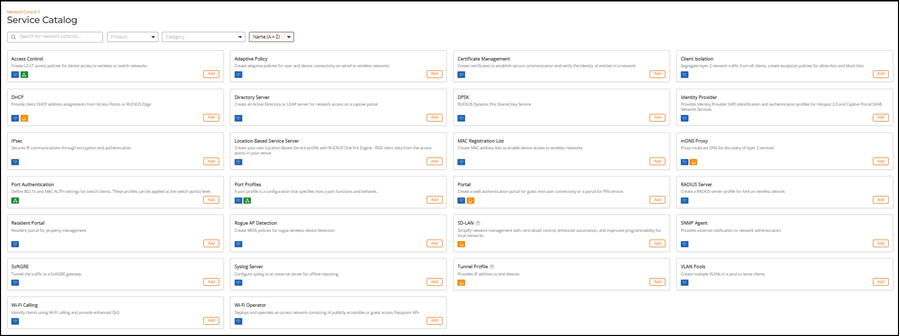
- Add the Certificate Management service to your tenant account. From the navigation bar, select . Alternatively, you can select , then click Add Service.
- Find the Certificate
Management tile and click Add.The Add Certificate Instance page is displayed.
- From Template Instance Type, select one of the following options:
- If you select Device Certificate, the Device Certificate Type field appears. Select one of the following:
- Click Next.