KVM-Specific Configuration
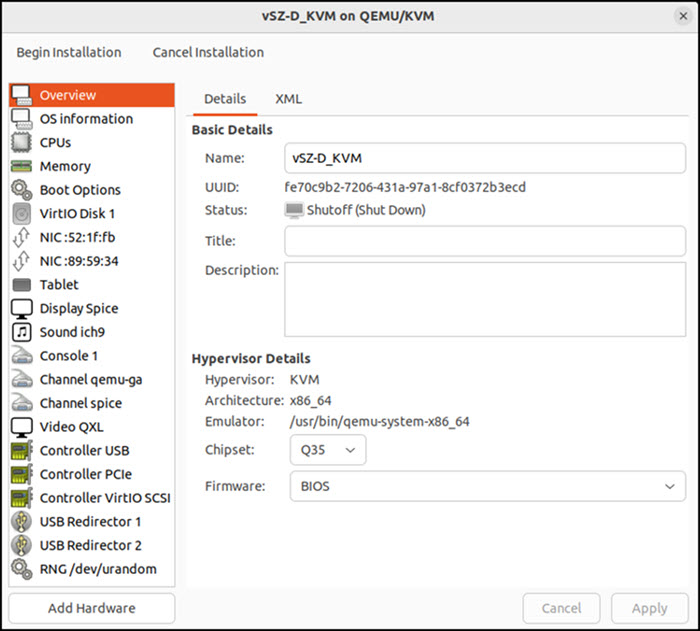
- Hypervisor Details: Verify the hypervisor configuration before deployment.
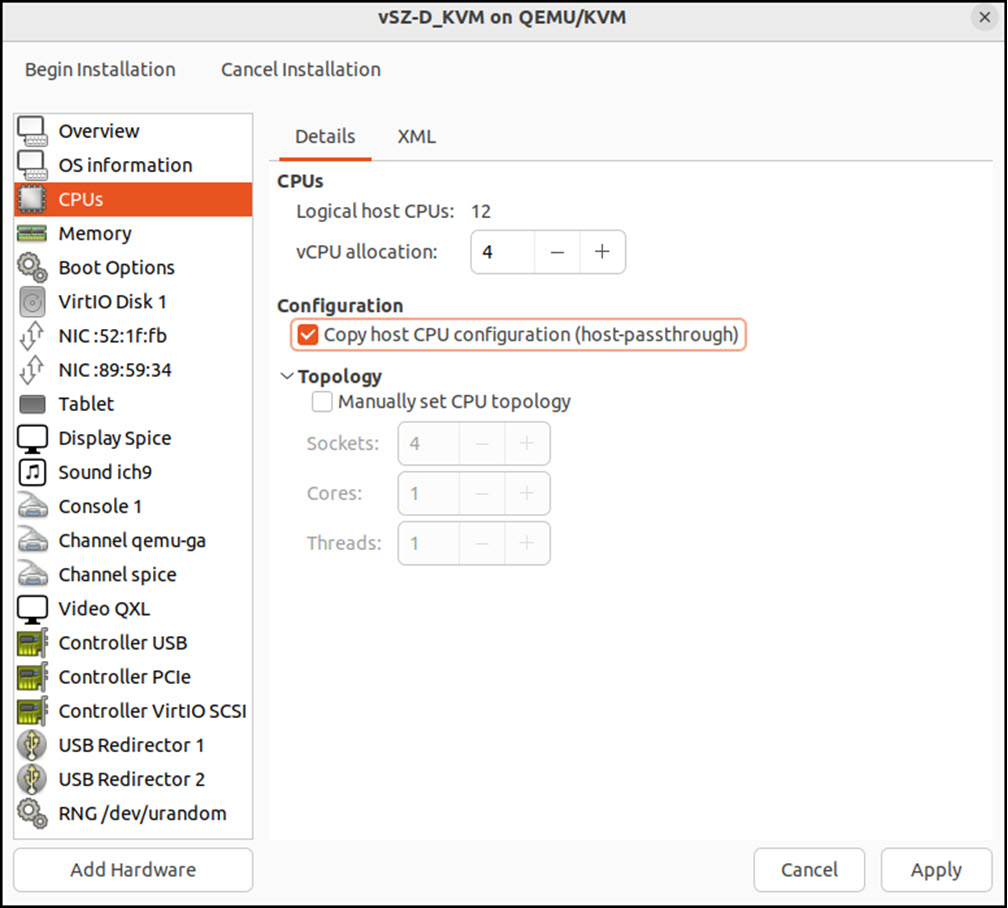
- CPU Type: Select Intel
Xeon E55xx or newer (Xeon E5‑2xxx recommended). In the Linux shell of the KVM
host, you can check the CPU model in
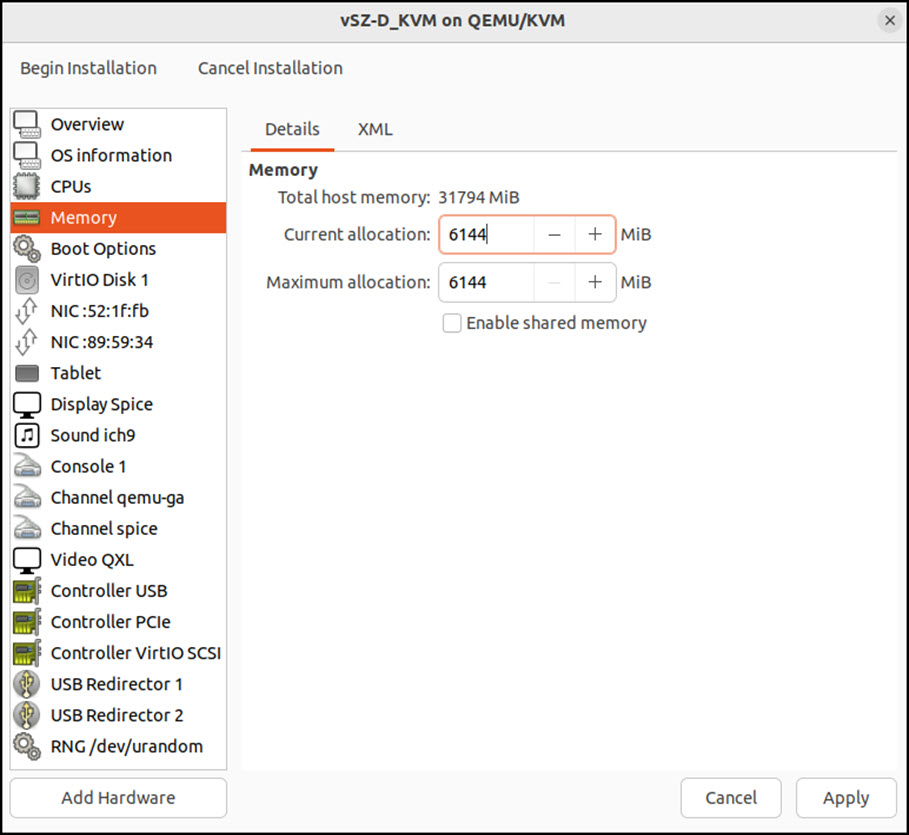
/proc/cpuinfousing one of the following commands: - Memory Allocation: Allocate at least 6 GB (6144 MB) of memory for vSZ-D.
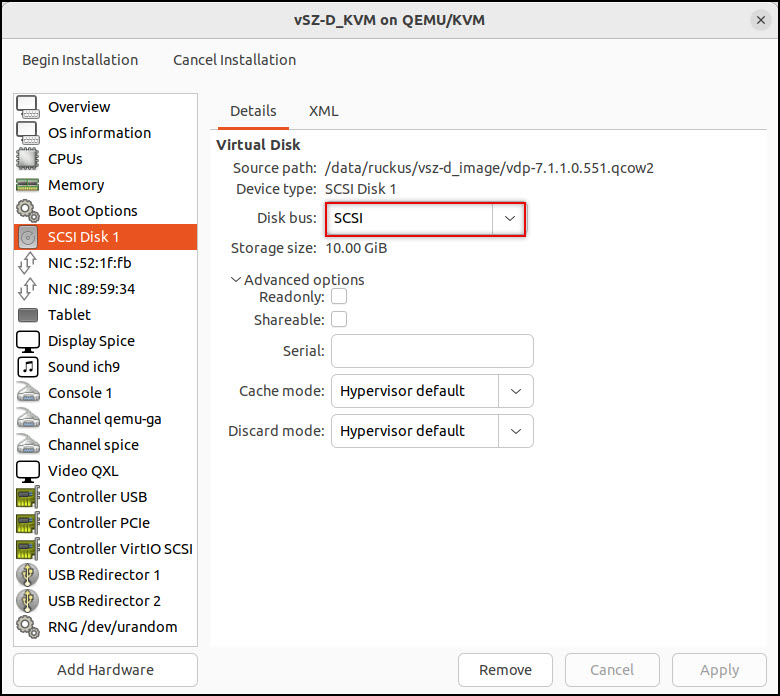
- Disk Configuration: Select SCSI as the disk bus and qcow2 as the storage format.
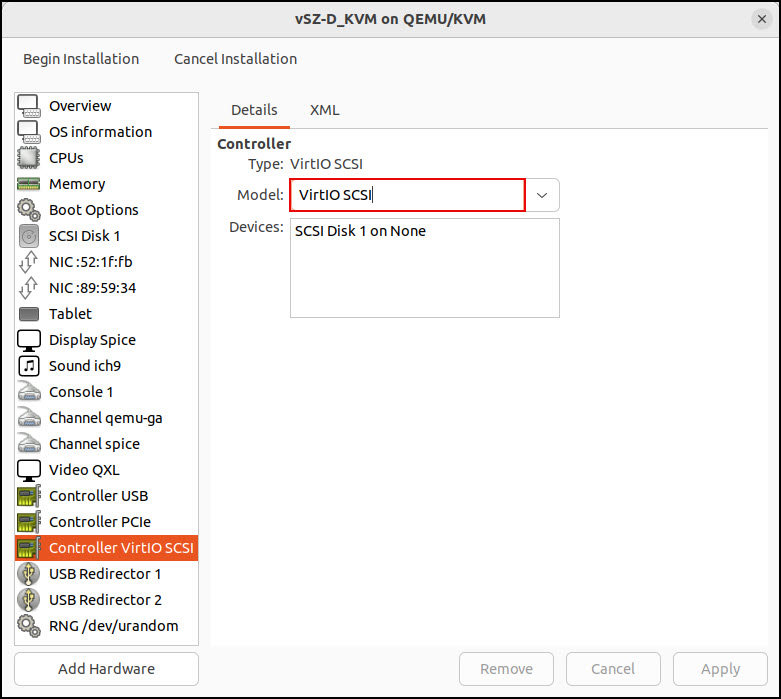
- Controller VirtIO SCSI: Select VirtIO SCSI as the controller.
NIC Configuration for Direct I/O Mode
Use Direct I/O mode to assign a physical NIC directly to the VM, bypassing the virtual switch. This setup reduces latency and improves throughput for data traffic.
Before adding a PCI device to the KVM hypervisor, you need to complete the following steps:
- Enable VT-d in the system BIOS (Intel Virtualization Technology for Directed I/O).
- Enable IOMMU by adding the kernel parameter
intel_iommu=on. For more information, read How to add kernel boot parameters via GRUB on Linux. - Reboot the system to apply changes.
Reference Configurations (Non-Validated)
Use the following examples only for lab testing. These distributions are not validated for production.
NIC Configuration in vSwitch Mode
Use vSwitch mode to connect virtual NICs to the host network through a software switch. This configuration supports flexible traffic routing and is suitable for most virtualized environments.
Management Interface Settings
| Setting | Value |
|---|---|
| Device Model | e1000 |
| Source Mode | Bridge or Passthrough (if using macvtap
as the device type)
|
Assigning a PCI Device to a VM in Virt-Manager
Use PCI passthrough to connect a physical device directly to a guest VM. This configuration improves performance by allowing the VM to access hardware without virtualization overhead.