Enabling Flexi VPN
You can enable Flexi-VPN and limit the
network resources that a UE can access. Flexi-VPN allows an administrator to customize
the
network topology, and is thereby able to control the network resources accessible
to the
end-user. This feature is only supported on vSZ-E and vSZ-H, and is enabled by purchasing
the Flexi-VPN license.
- Select .
- Select
Flexi-VPN.
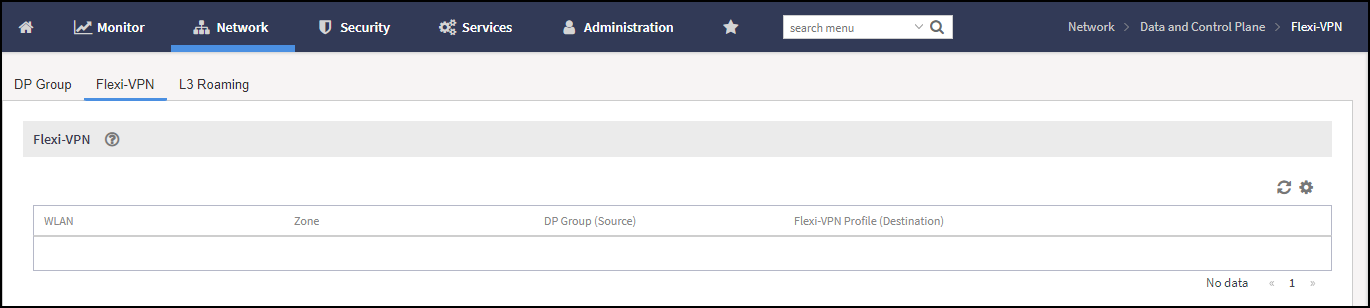
The Flexi-VPN status page is displayed.Note: The Flexi-VPN option is available only if the Access-VLAN ID is configured in manual mode, and when VLAN Pooling, Dynamic VLAN and Core Network VLAN options, and Tunnel NAT are disabled.Note: Flexi-VPN is activated when a Flexi-VPN profile is assigned to a WLAN.