Configuring License Bandwidth
You can assign a license bandwidth for a data plane provided it is already approved.
Each data plane can be configured with only one bandwidth license. Only vSZ-D support
License Bandwidth.
-
6.1 updateGo to .
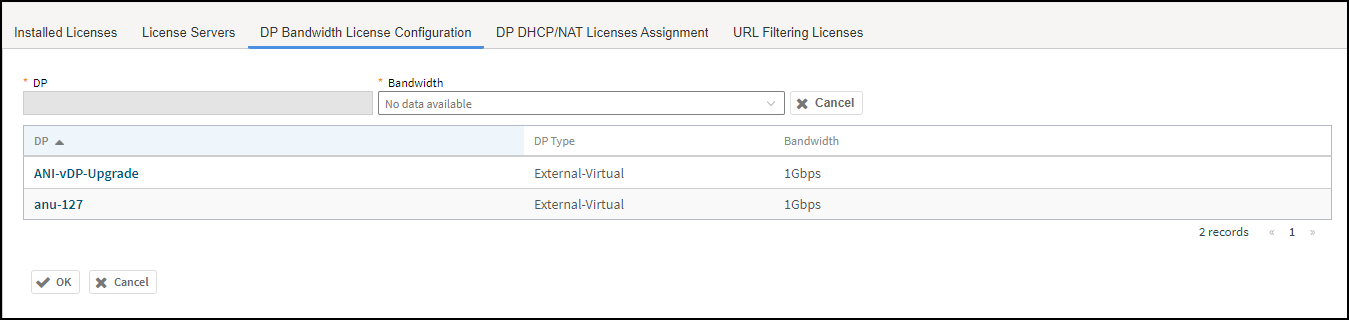
- Select the License Bandwidth Configuration tab.
- Select a DP from the Data Plane table, the DP name is automatically displayed.
- From the Bandwidth drop-down menu, select one of the following bandwidth license:
- Click OK. The data plane with the assigned license bandwidth is displayed.
- Click OK.
You have successfully assigned a license bandwidth to the data plane.