Tagging Uplink/Downlink Ports

After the switches are onboarded, RUCKUS One should be tagged with uplink and downlink ports.
To tag the uplink and downlink ports, perform the following steps.
  1. On the RUCKUS One navigation bar, navigate and hover the mouse on Wired option and select Switch List.
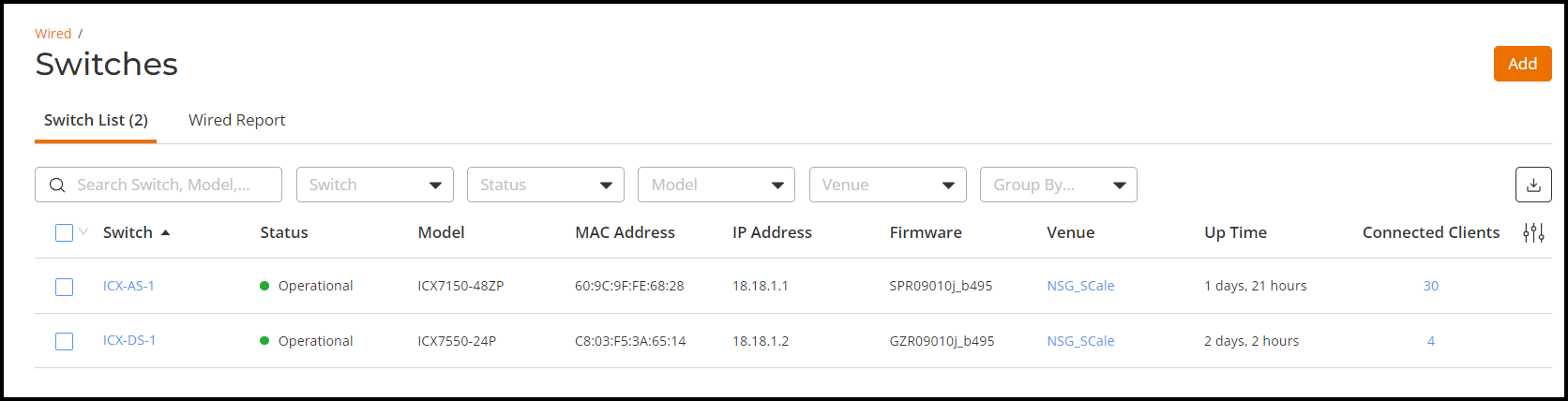
    This displays the onboarded switch list.

    Switches

  2. Click on switch ICX-AS-1 to tag uplink port.
    This displays details of the switch.
  3. In the details page, click Ports tab.
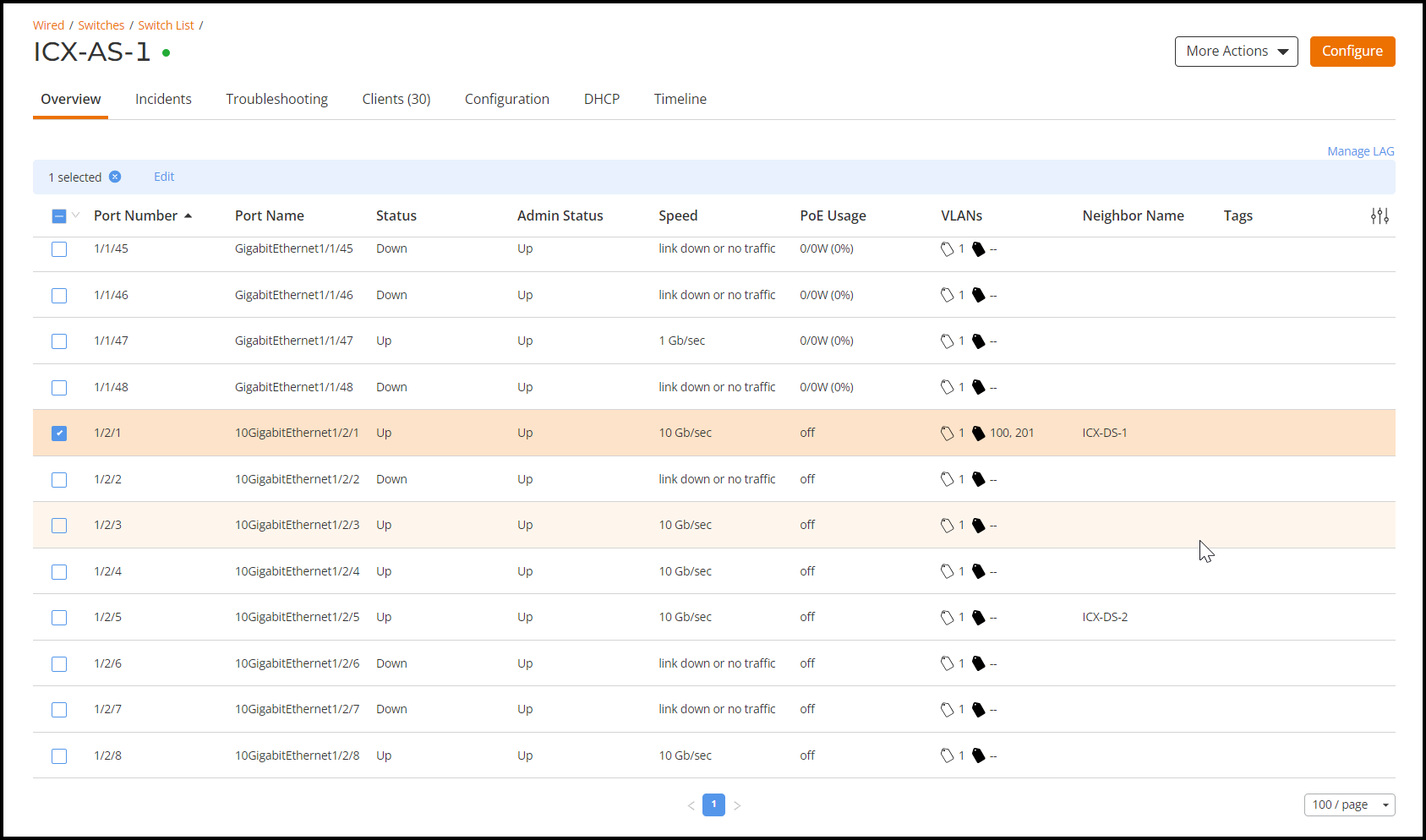
    This displays the list of ports configured on the switch.

    List of Ports

  4. Selec the port and click Edit.
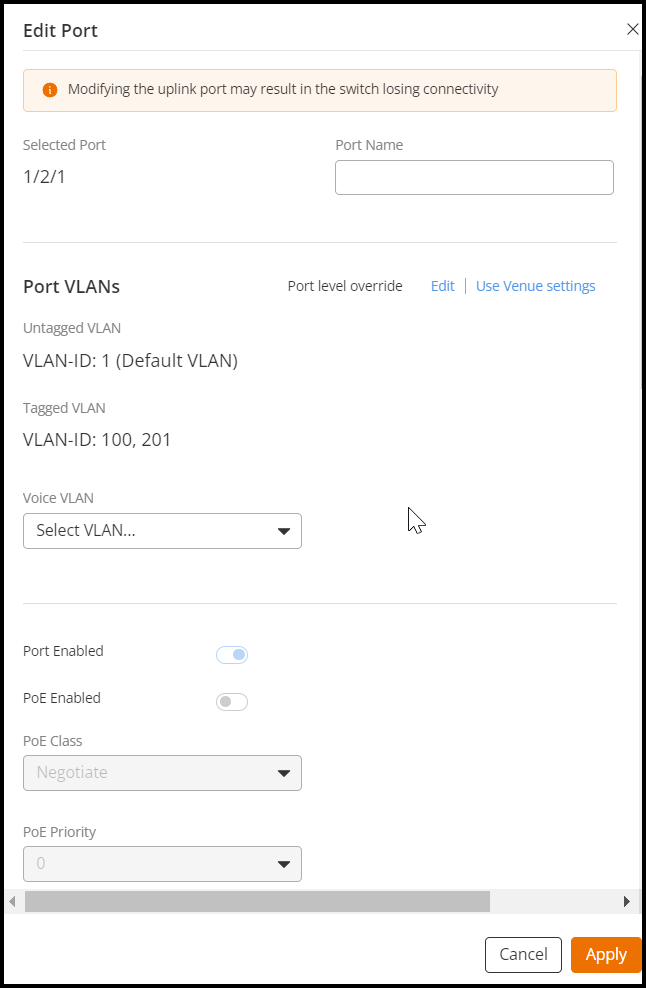
    This displays the tagged and untagged VLAN ports .i.e. uplink and downlink ports for the swtich.

    Uplink/Downlink VLAN Ports