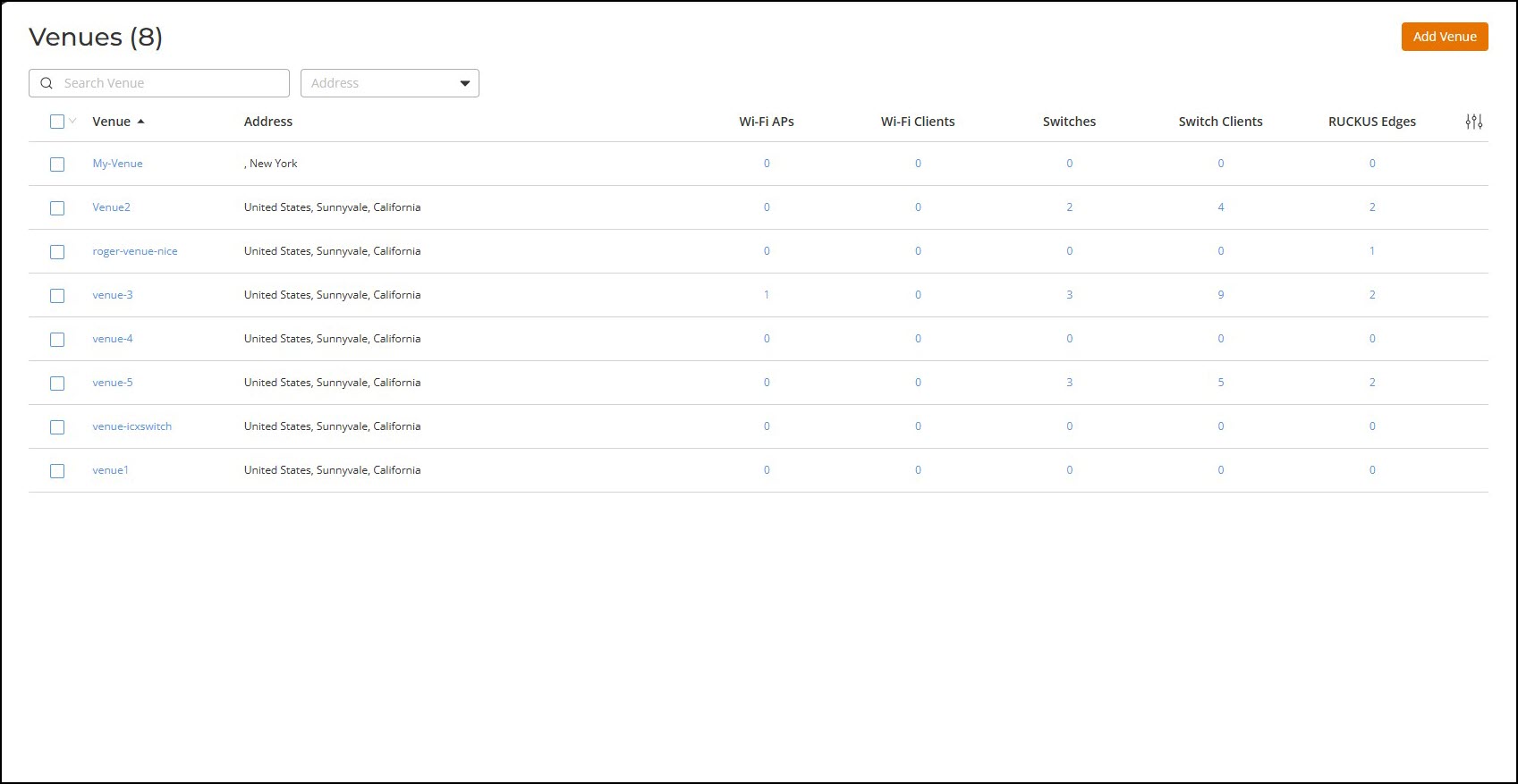
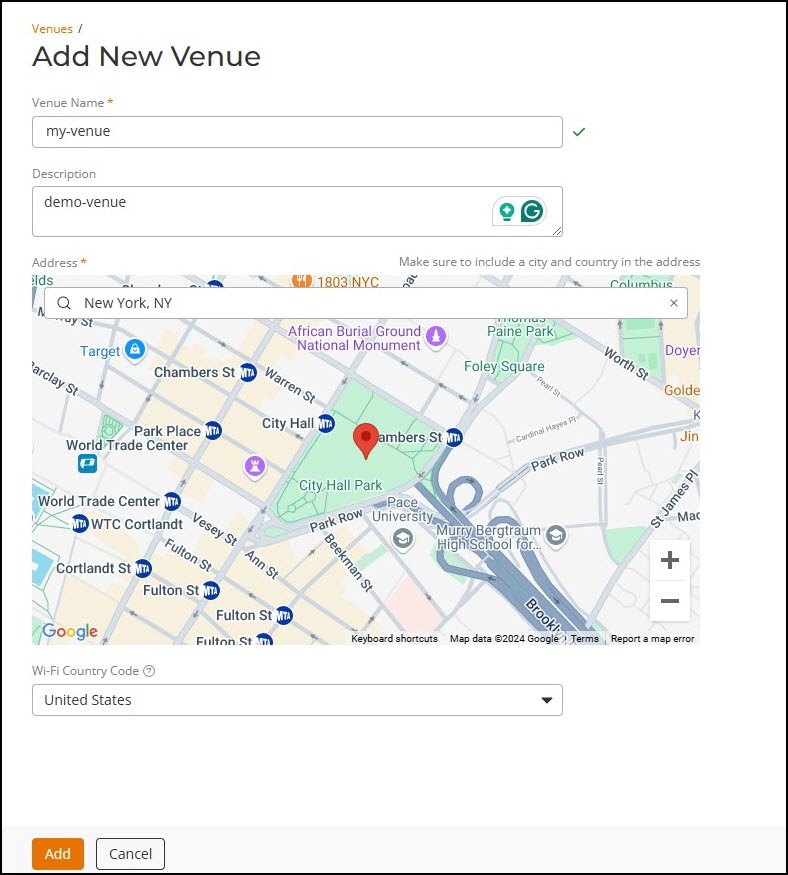
Adding a New VenueVenue is place where the Wi-Fi network is setup. To add a new venue, perform the following steps.On the RUCKUS One navigation bar, click Venues. This displays the Venues page.Venues In the Venues page, click Add Venue tab.This displays the Add New Venue page. In the Add New Venue, enter the following details: Venue Name - Enter a venue name for identifying the venue.Description - Enter a description for the venue name.Address - Enter the venue address or search by venue name to add the address of the venue. Add a New Venue Parent topic: Configuring Personal Identity Network for Switches