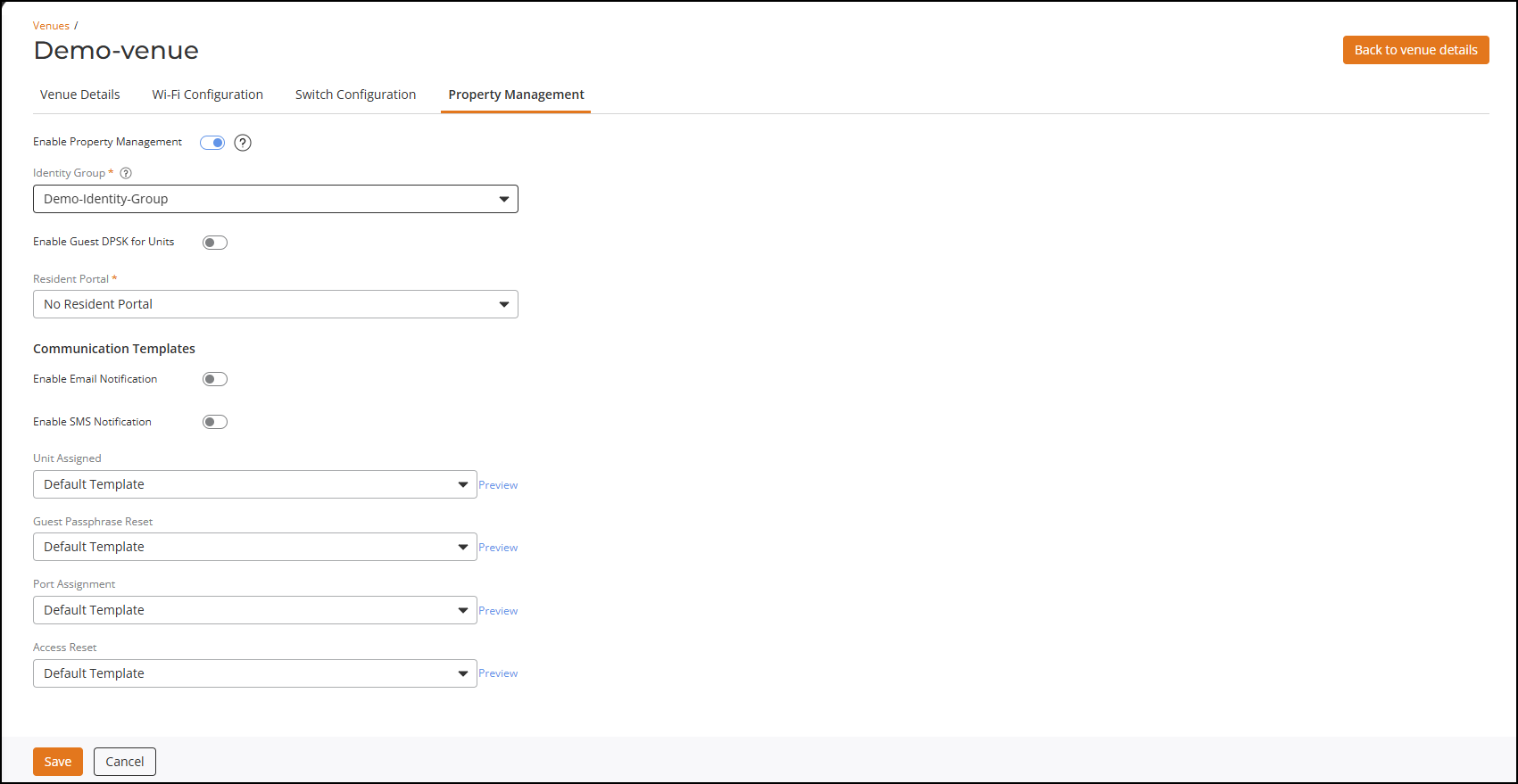
Creating a New Identity Group
Identity group stores user related
data.
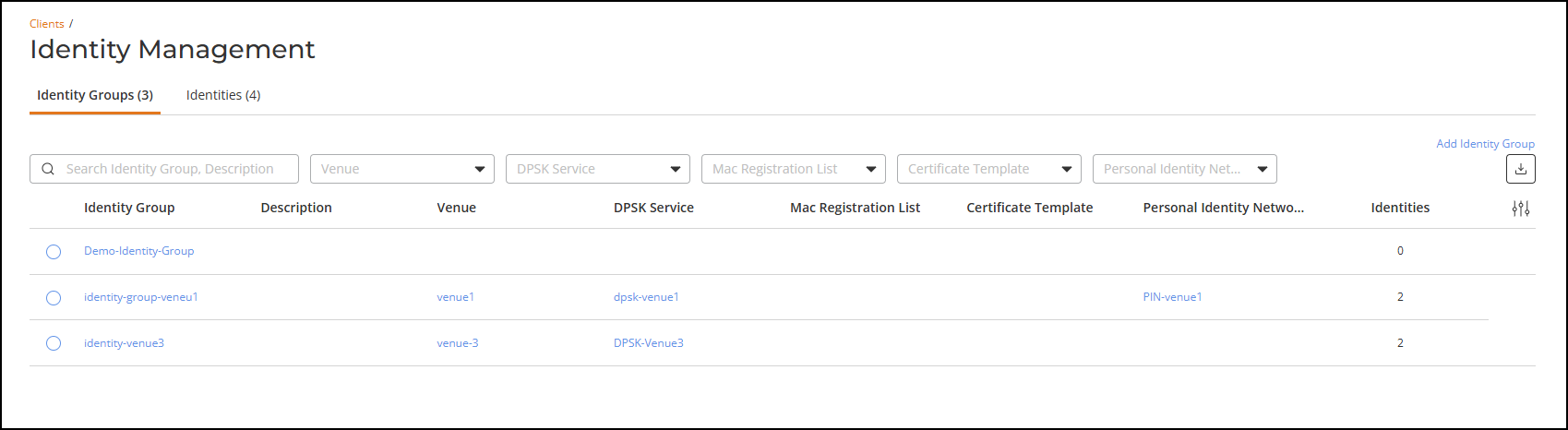
- On the RUCKUS One navigation
bar, hover on Clients and click Identity Groups. This displays Identity Management page.
- In the Identity
Management page, click Add Identity
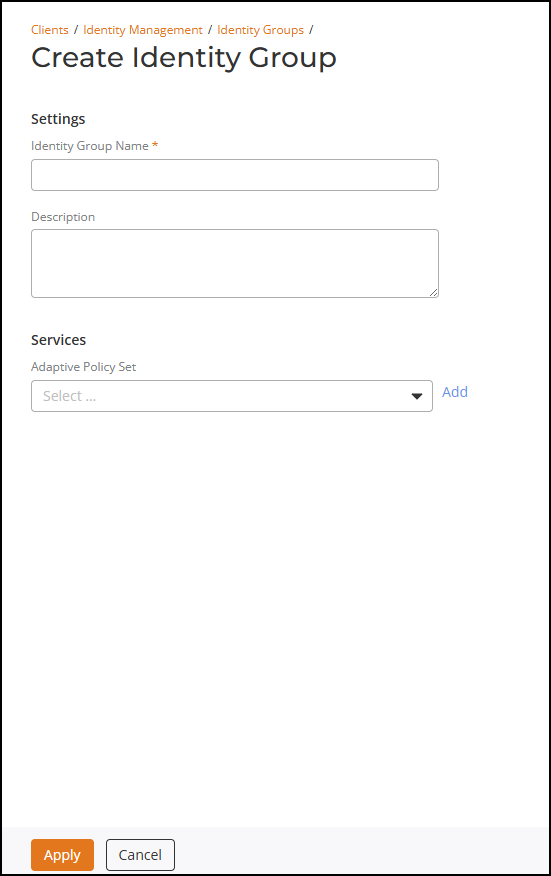
Group link.This displays Create Identity Group window.
- In the Create Identity Group, enter the following details
- After entering all the details, click Apply.