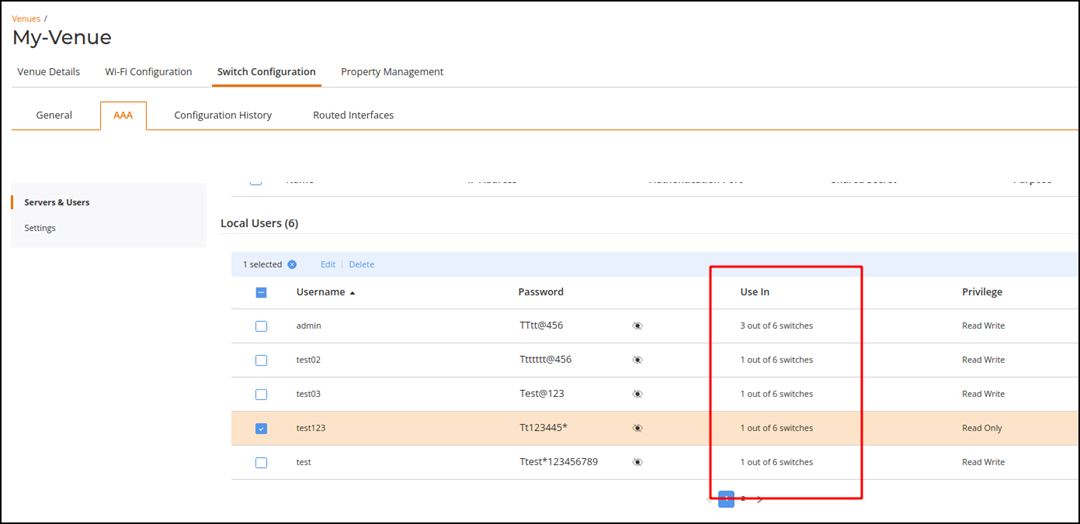
Switch Settings: AAA
From the RUCKUS One web interface, you
can configure a RADIUS server, TACACS+ server, and Local Users for a switch.
- In the
Dashboard, click Venues.
Alternatively, on the navigation bar, click Venues. The Venues page is displayed.
- Select the Venue
Name and click Edit.
Alternatively, select the Venue Name and click Configure.The Venue Details page is displayed.
- Select the .
- Click Servers and
Users to configure a RADIUS server, TACACS+ server, and Local
Users.
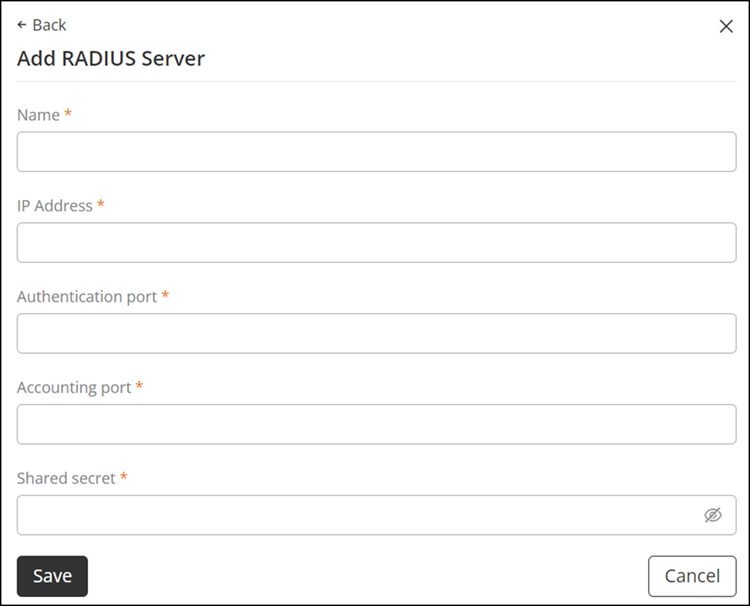
- Select a specific RADIUS Server from the table to edit, or add a RADIUS Server.
- Select a specific
TACACS+ Server from the table to edit or add a TACACS+ Server.
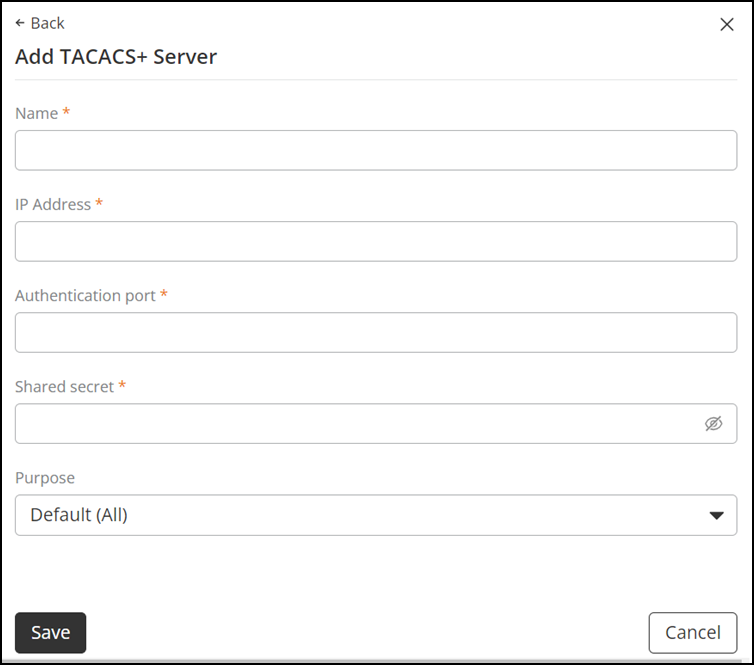
- Click Add TACACS+ Server to add a new TACACS+ Server. The Add TACACS+ Server sidebar is displayed.
- Complete the
following fields:
- Name: Enter the TACACS+ server name.
- IP Address: Enter an IP address for the TACACS+ server.
- Authentication Port: Enter a port number for authentication.
- Shared Secret: Enter the shared secret.
- Purpose: Select Default (All), Authentication, Authorization, or Accounting. By default, Default (All) is selected.
- Click Save.
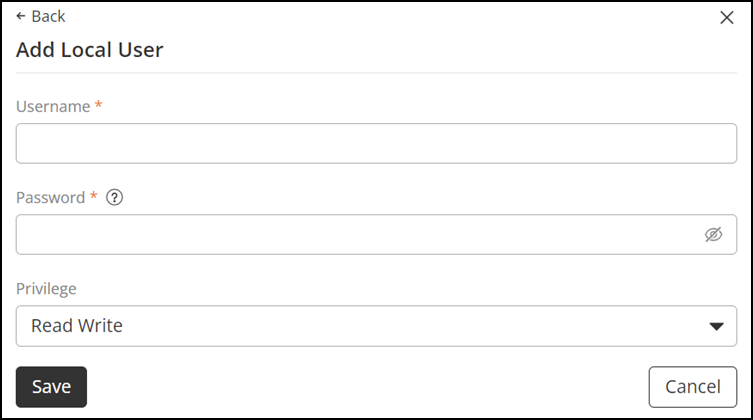
- Select a specific Local Users from the table to edit or add Local Users.
- (Optional) Click Edit to display the Edit Local User sidebar and edit the password; click Save to save the new password.
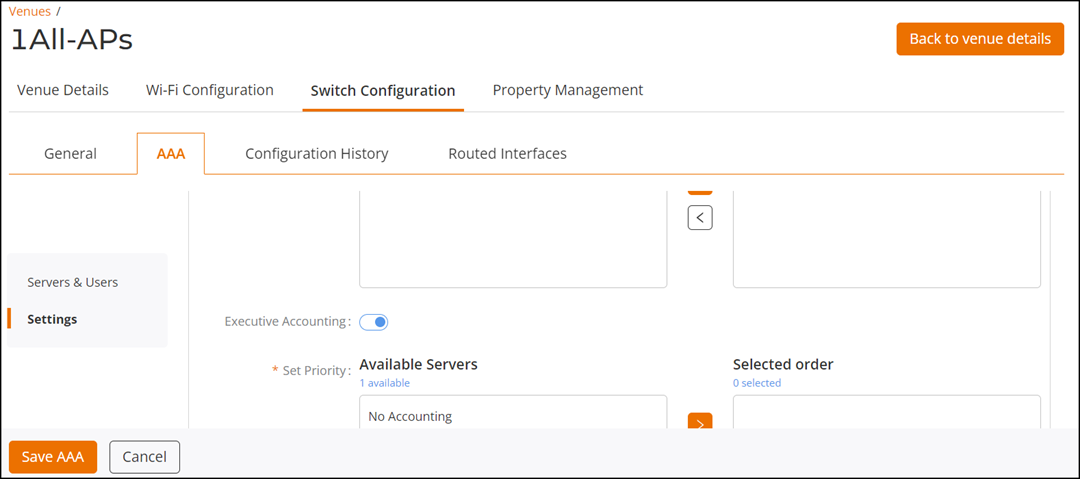
- Click Settings, or scroll down to the Settings section, to configure Log-in Authentication, Authorization, and Accounting settings.
- Click Save AAA.