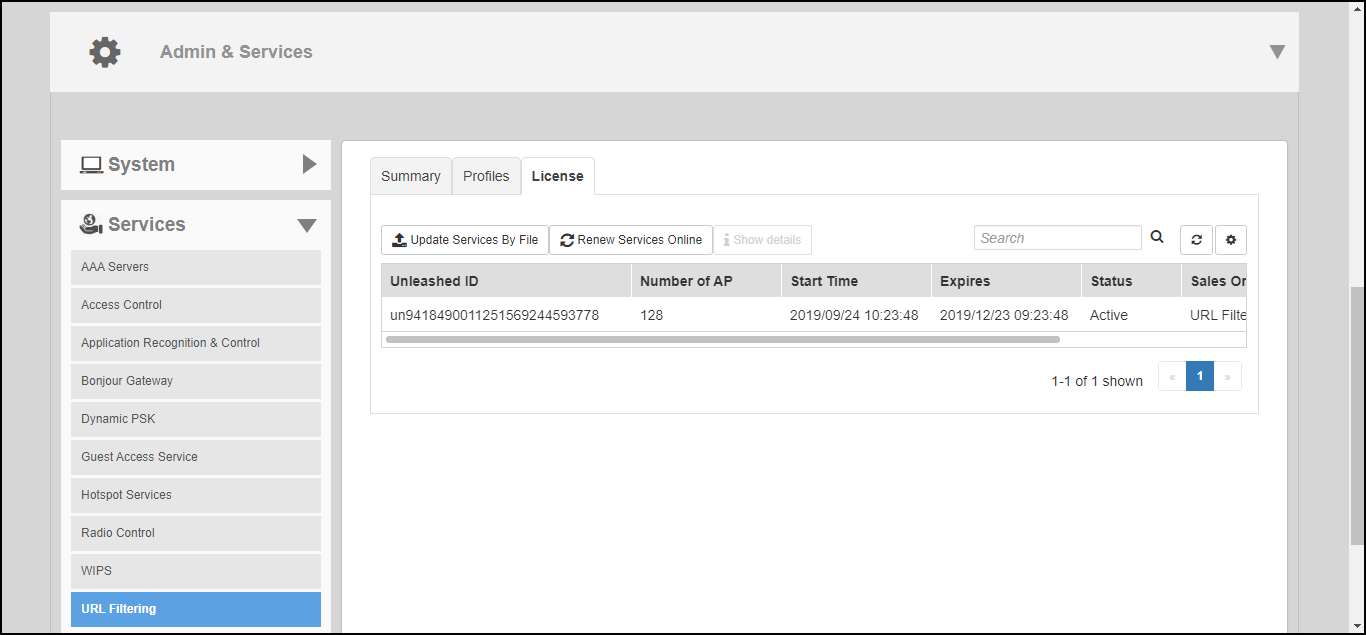
Working with URL Filtering Licenses
URL filtering service requires an active
URL filtering license to function. URL filtering licenses can be purchased from
RUCKUS
partners and distributors, and a temporary license is also available to allow customers
to
try out the service for a limited time of 90 days before purchasing.
Within 90 days, a valid URL filtering license that is greater or equal to the number of connected APs must be loaded; otherwise, URL filtering will be disabled until a valid license is loaded.
Complete the following steps to manage URL filtering licenses.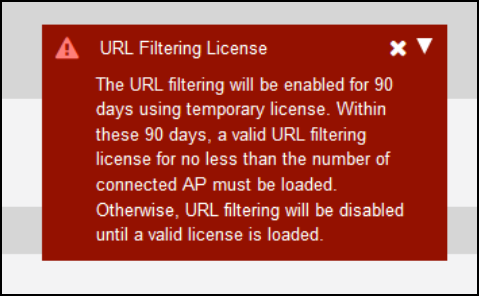
- Go to .
- Click the
License tab and select one of the following options:
- Update Services By File: Import a new locally saved license file.
- Renew Services Online: Connect to the RUCKUS license server to download a license file.
- Show Details: Select the license file from the list and click Show Details to view the license expiration details.