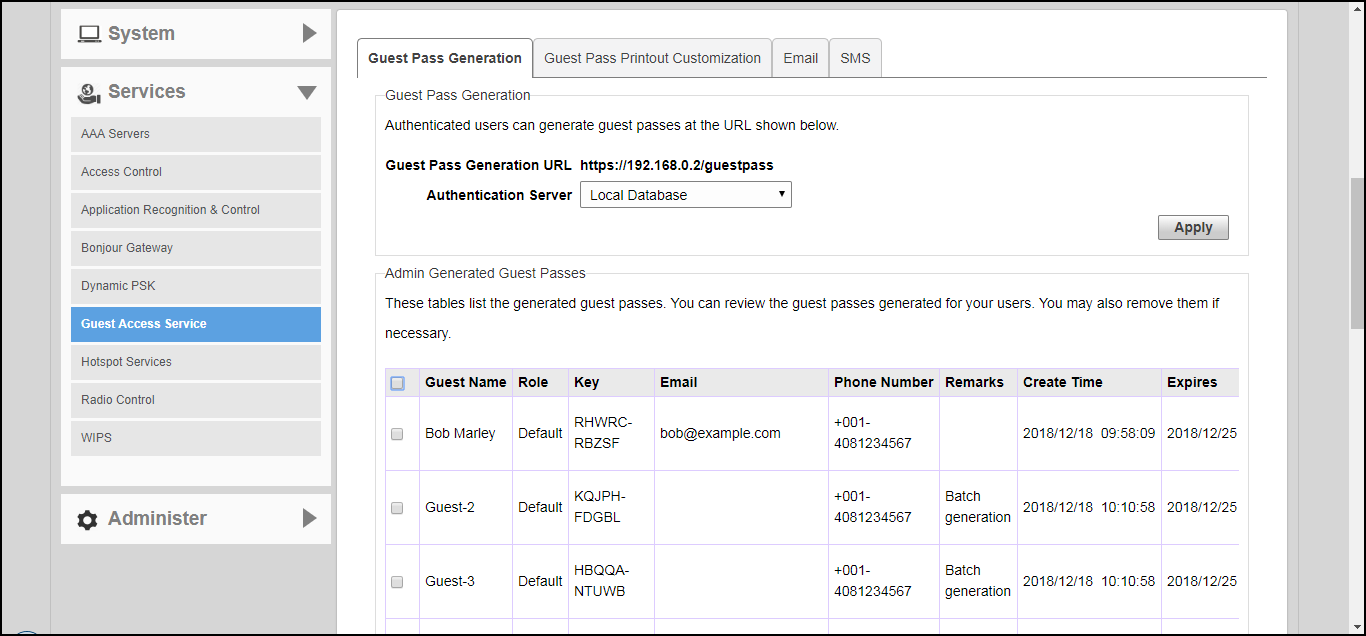
Monitoring Generated Guest Passes
Once you have generated guest passes for your visitors, you can monitor and, if necessary,
delete them to revoke the guests' access privileges.
- Go to Admin & Services > Services > Guest Access Service > Guest Pass Generation.
- Review the generated guest passes in the Admin Generated Guest Passes and Self-Service Generated Guest Passes tables.
- To remove a guest pass, select the check box for the guest pass, and click the Delete button. Click Delete All to delete all generated guest passes at once.