Viewing AP Group Members
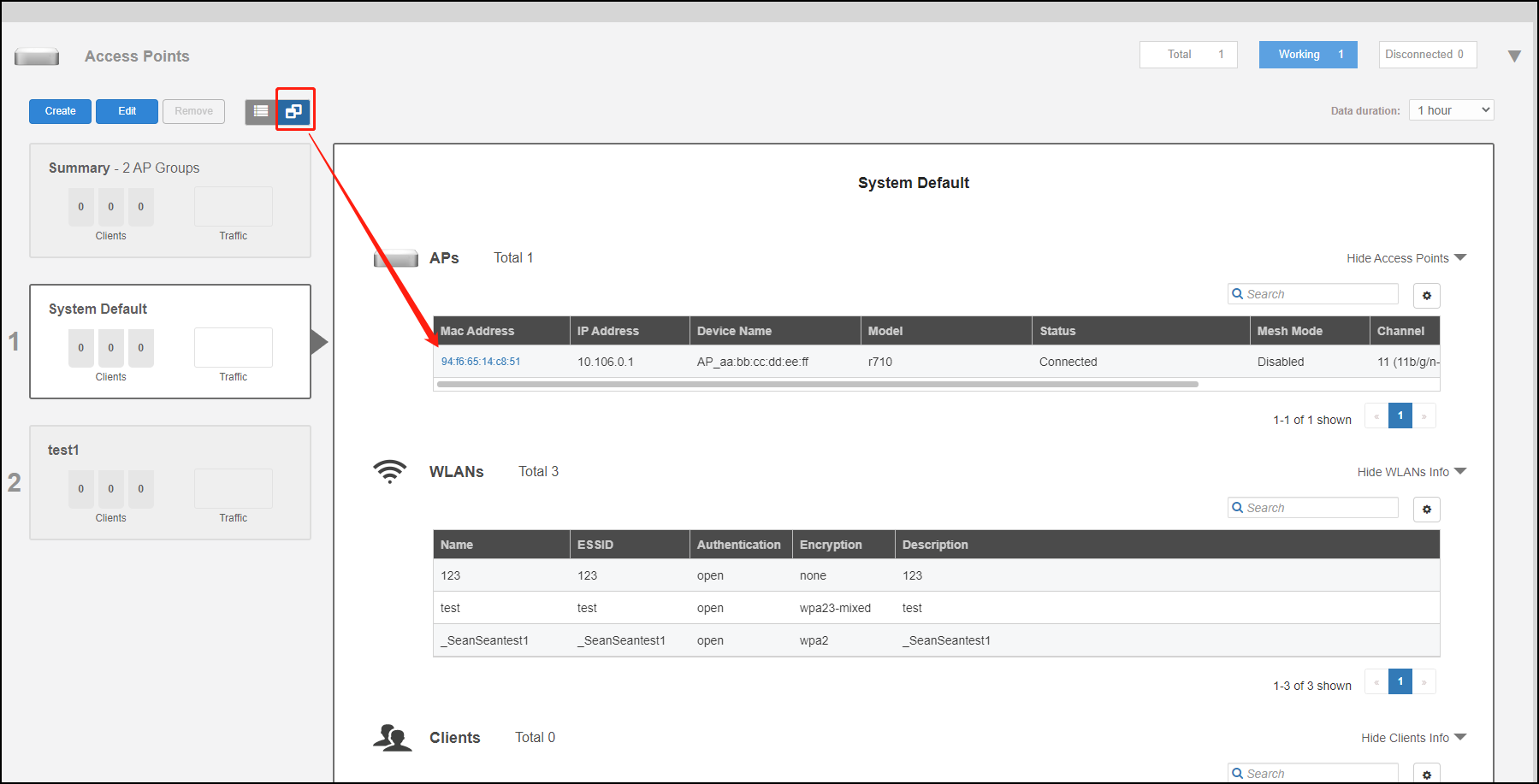
Select an AP group to view details on all APs that are members of the AP group.
- Go to
Access Points and click the
Group View button.
You can view details of each member of the AP group, including its MAC address, IP address, Device Name, Model number, Status, Mesh Mode, Channel, and Serial Number.
- In the AP table, click on the MAC address of the AP to view the AP detail page of each AP.