Changing User Password
Users can change their account passwords
without the aid of the administrator. Syslog maintains a record of the users who have
changed
their passwords, which reduces the workload of the administrator.
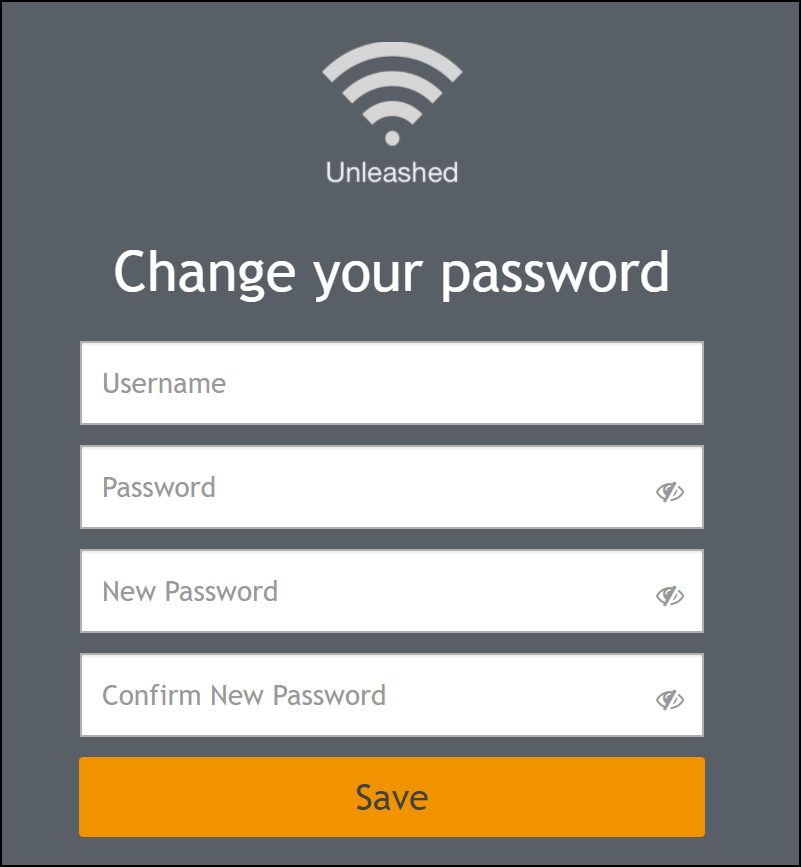
- Go to https://[Master _IP]/user/user_changepass.jsp or scan the QR code to reset the password.
- In the Change your
password dialog box, enter the following information:
- For Username, enter your username.
- For Password, enter your current password.
- For New Password, enter your new password.
- For Confirm New Password, enter your new password again.
- Click Save to save the
changes.Note: If the authentication failed three times within five minutes, the login is disabled for three minutes.