Configuring Multiple Tunnels in WLANs
In WLANs where there is an option to tunnel the traffic, you can choose the tunneling
profile the WLAN can use.
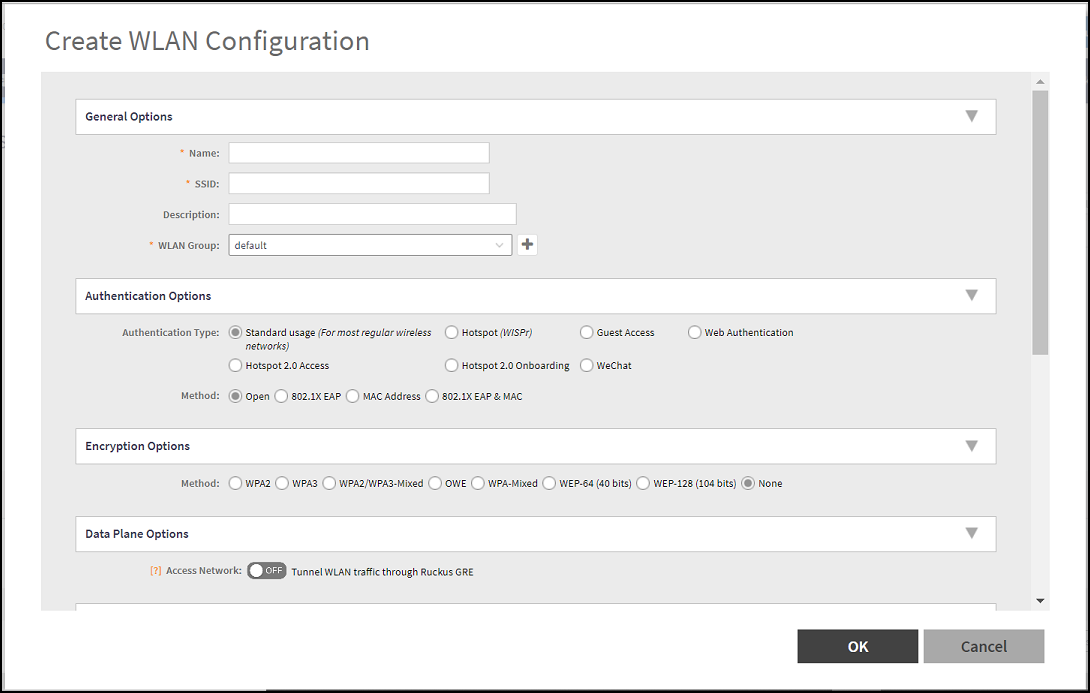
- Go to , from the System tree hierarchy, select the Zone where you want to create a WLAN.
- Click Create.
- In the section Data Plane Options , enable the Tunnel WLAN traffic through Ruckus GRE switch.