Accessing the Data Plane CLI
The Data Plane command line interface (CLI) provides direct command-line access for
configuration and troubleshooting through SSH or console sessions. Access methods
include
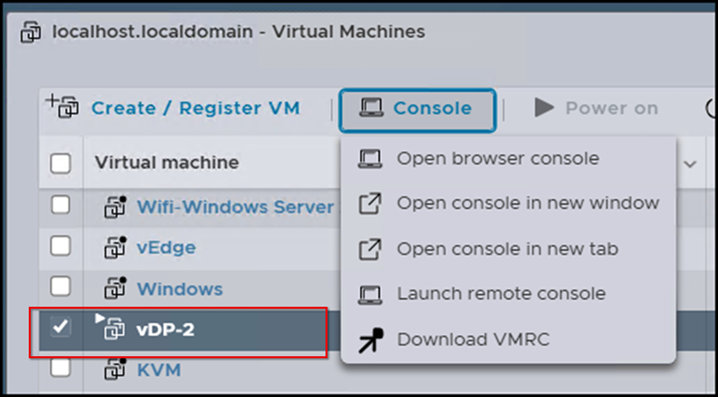
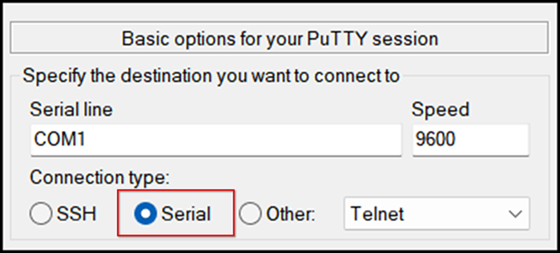
SSH, the ESXi web client console for virtual Data Planes, and the physical console
for
SZ144-D appliances.
Note: You need the admin password to log in and the enable
password to enter the Privileged EXEC mode.
- Do one of the following to access the CLI:The following CLI example demonstrates SSH access from the command prompt (CMD) of a windows computer using the command
sshadmin@controller_IP-address.C:\Users\Administrator\Documents>ssh admin@192.168.200.250 ################################ # Welcome to vSZ-D # ################################ admin@192.168.200.250's password: Welcome to the RUCKUS WIRELESS vSZ-D Command Line Interface vDP-2> enable Password: vDP-2#
You are connected to the Data Plane CLI in Privileged EXEC mode and can run configuration or diagnostic commands.