Configuring Follower System for Backup
Complete the following steps to configure Follower system for backup.
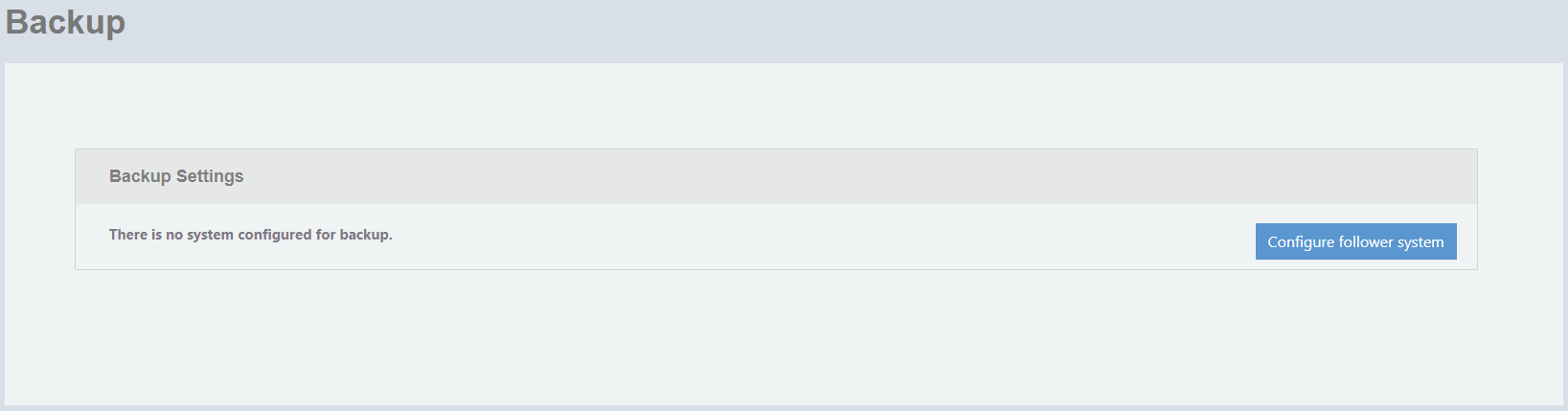
- On the menu, go to Admin > Backup .
- Click Configure follower system.
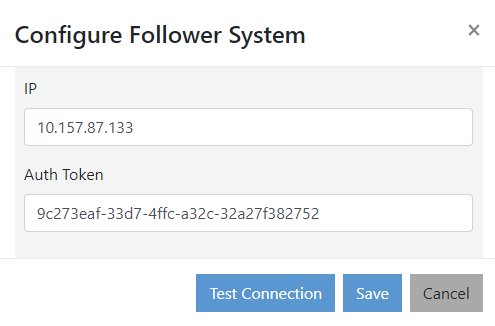
- Complete the following fields:.
- IP: Enter the IP address of the RND instance to be configured as the Follower system for backup solutions.
- Auth Token: Enter the authentication token generated from the Follower system. For more information on creating API token, refer to Creating API Tokens.
- Test Connection: Allows you to check whether connection can be established to the Follower system.
- Click Save to save the Follower system configuration details.