Deleting Devices Managed by the Software
If you do not want
Unleashed Multi-Site Manager to manage a device(s), you can delete it. You can delete one or more devices at a
time.
- After you to log in to the Web interface, select
Devices from the menu in the left.
The Devices page appears listing all the devices managed by the software.
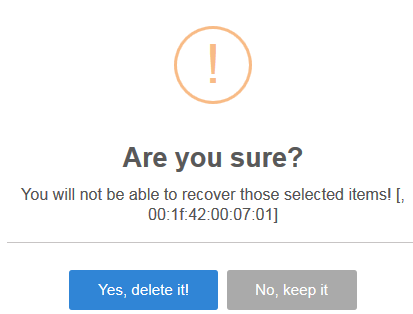
- From the list of devices, select the device or set of devices you want to delete, and then click Delete.
- Click
Yes, delete it!.
The device is deleted, and the software no longer manages it.