Zone Details
The Zones Details
page provides the selected zone's incidents, health, clients, devices, and
network.
Complete the following steps to view the Zones Details page:
- On the Navigation bar, click Zones. The Zones page is displayed.
- Click the Name, AP Count, or Cient Count attribute. The AI Analytics, Devices, or Clients information in the Zone Details page is displayed.
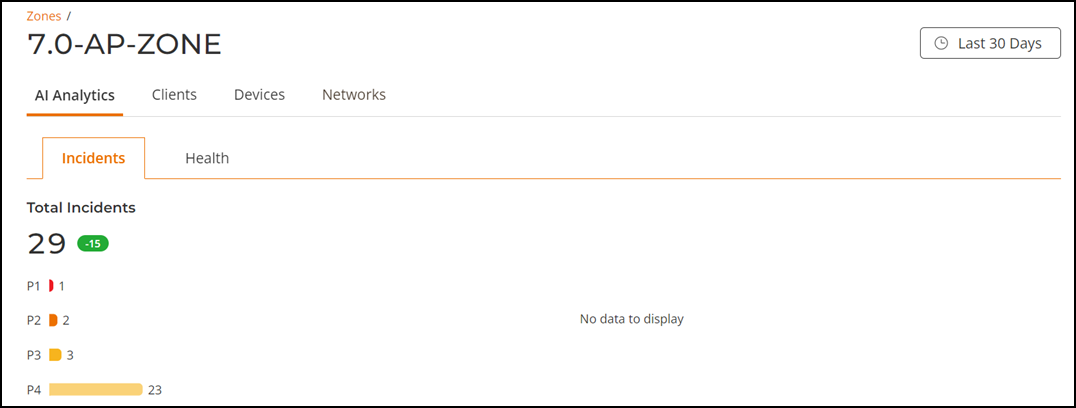
The Zones Details page displays the zone name at the title and the following tabs:
To view more information about AI Analytics page, refer to Zone AI Analytics.
To view more information about Clients page, refer to Zone Clients.
To view more information about Devices page, refer to Zone Devices.
To view more information about Networks page, refer to Zone Networks.