Generating an Application Token
An application token enables secure API
communication between the defined third-party application and RUCKUS AI. By
generating an application token, you obtain a Client ID and Client Secret, which
are
required to authenticate the application and access RUCKUS AI REST
APIs.
- On the menu, select .
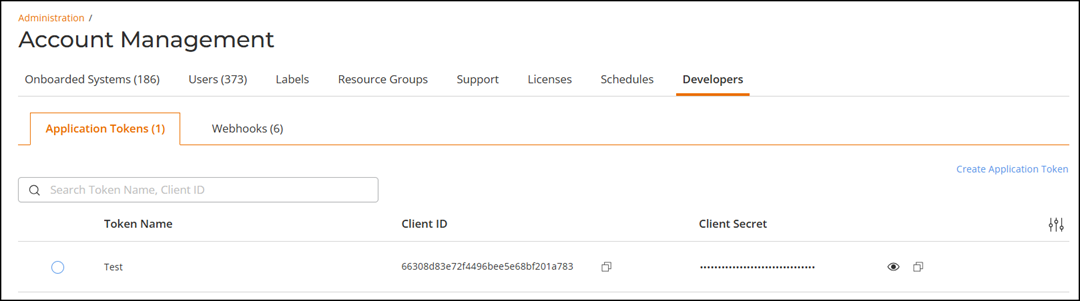
- Click the Application Tokens sub-tab.
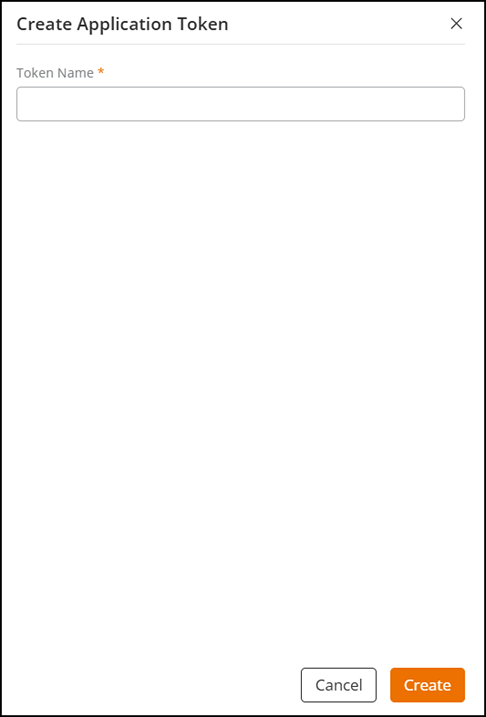
- Click Create Application Token.
- Enter a name for the application
token and click Create. The unique Client ID and Client Secret are generated automatically and are displayed on the Application Tokens page.
- Use the Client ID and Client Secret in the third-party application to authenticate and interact with RUCKUS AI via API calls.