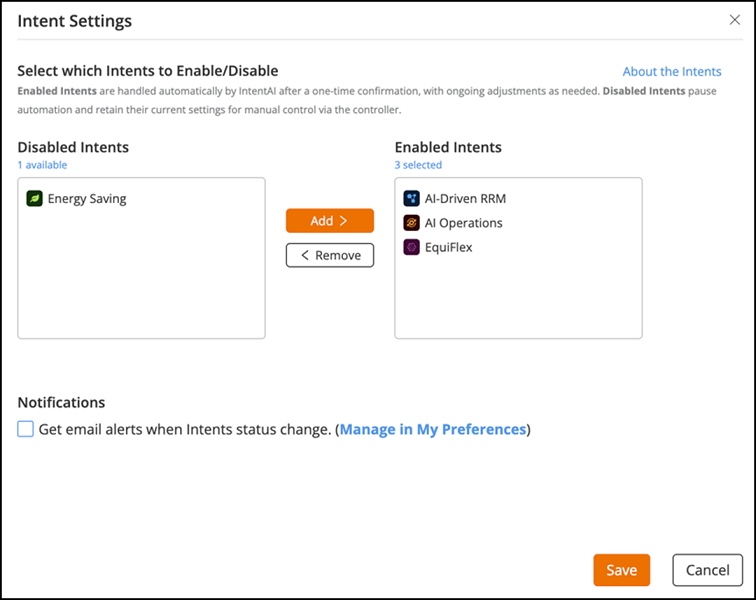
Managing Intent Settings
To enable or disable AI-driven features
from IntentAI automation, complete the following steps:
- From the navigation bar, select . The IntentAI page is displayed.
- Click Intent Settings. The Intent Settings sidebar is displayed.
- Select the required Intents and use the Add or Remove buttons to move it between the Enabled Intents and Disabled Intents lists.
- (Optional) Select the Get email alerts when Intent status changes checkbox under Notifications to receive status updates.
- Click Save to apply the changes.