Logging In to RUCKUS AI
The RUCKUS AI login process is managed
through the RUCKUS Account Management system, a unified authentication platform
designed to
streamline the user login process and secure access to RUCKUS cloud services. Using
the
system, RUCKUS AI
authentication follows a two-stage login process. You first enter your credentials
on the
login page, which serves as the primary authentication gateway. After successful
validation,
the system redirects you to the RUCKUS Identity Management (IDM) page for secondary
authentication, ensuring secure access to RUCKUS AI.
Complete the following steps to log in:
- Open your web browser, and enter
the RUCKUS
AI URL for your region.
- For US users, https://ruckus.cloud/ai or https://ruckus.cloud/analytics
- For EU users, https://eu.ruckus.cloud/ai or https://eu.ruckus.cloud/analytics
- For Asia users, https://asia.ruckus.cloud/ai or https://asia.ruckus.cloud/analytics
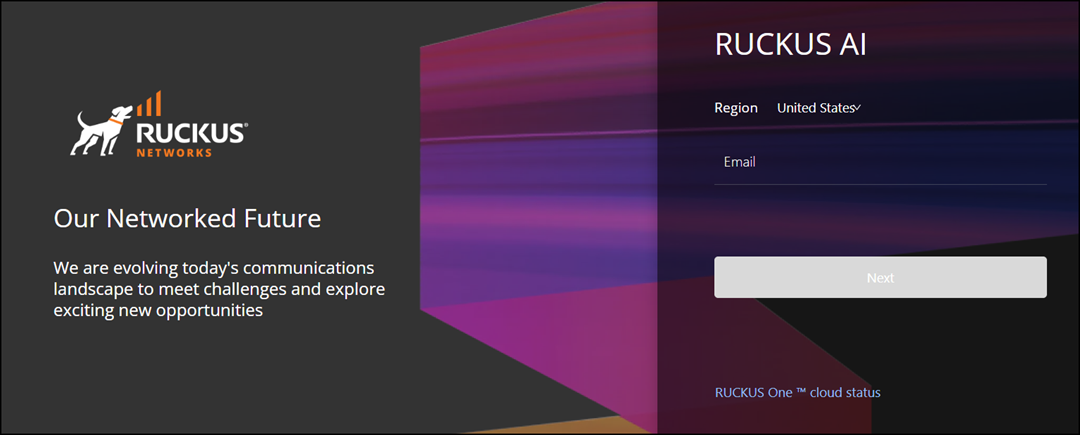
- Enter your registered email address and click Next. The IDM login page to access RUCKUS AI is displayed.
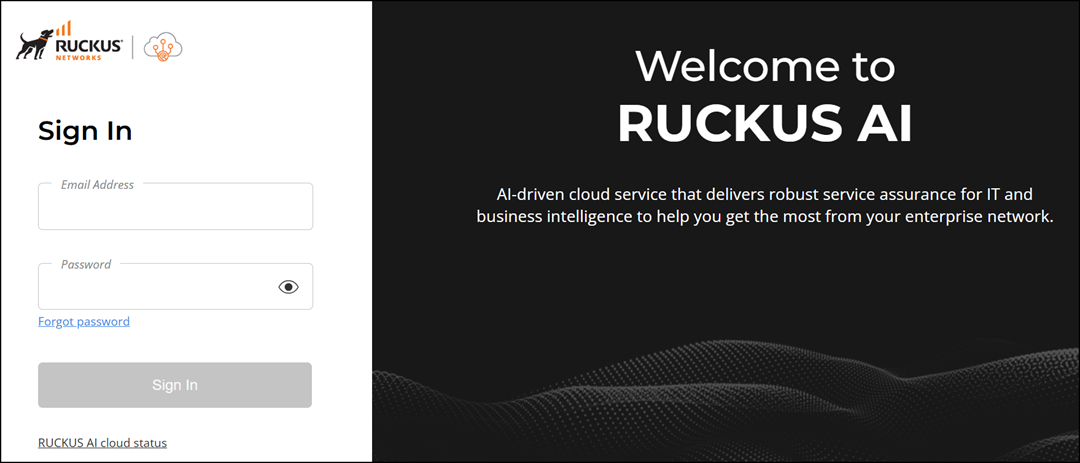
- Enter your RUCKUS AI email address and password.
- Click Sign In. The RUCKUS AI dashboard loads in your browser.