RUCKUS periodically sends email
notifications about new versions of the RUCKUS IoT Controller.
From the RUCKUS IoT Controller
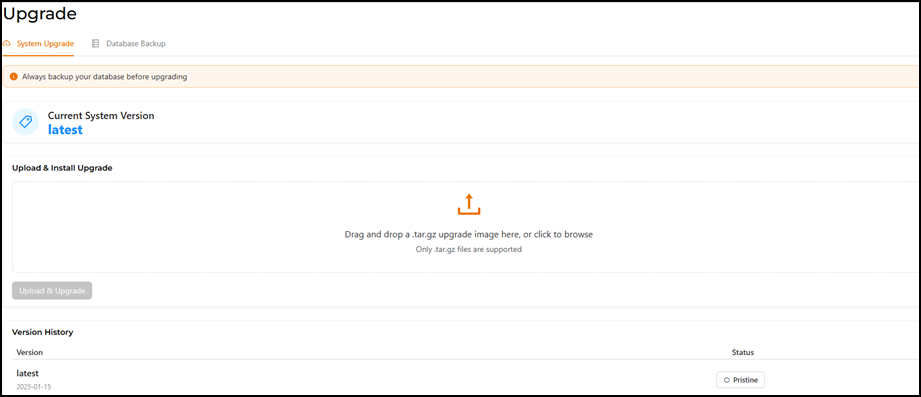
main menu, select Admin > Upgrade/Backup. The System Upgrade tab is displayed by default.
Uploading and
Upgrading Software Versions
Click Upload &
Upgrade to upload and upgrade the software to a newer
version.
Note: The
Upload & Upgrade button is grayed out
(inactive) unless a .tar.gz software image file has been dropped into the
'Drag and drop' box on the GUI.
The Version History
section lists the new version.