Blocking Devices from the Software

If devices within the network seem unauthorized or are a threat to security, you can use the software Web interface to block the device. You can block one devices at a time.
  1. After you to log in to the Web interface, select Devices from the menu in the left.
    The Devices page appears listing all the devices managed by the software.
  2. From the list of devices, select the device you want to block and then click Block.

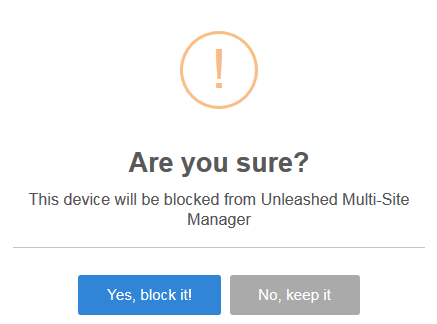
    A confirmation message appears asking if you want to block the devices from the software.

    Block Screen

  3. Click Yes, block it!.
    The device is blocked, and Unleashed Multi-Site Manager no longer manages the device.