Configuring the Data Plane
From the controller web UI, you can
configure data plane (DP) parameters including interface mode, interface IP addressing,
selection of DHCP/NAT service profiles, and enable remote syslog for those services.
- From the controller web GUI, select .
- Select the DP and click Configure.
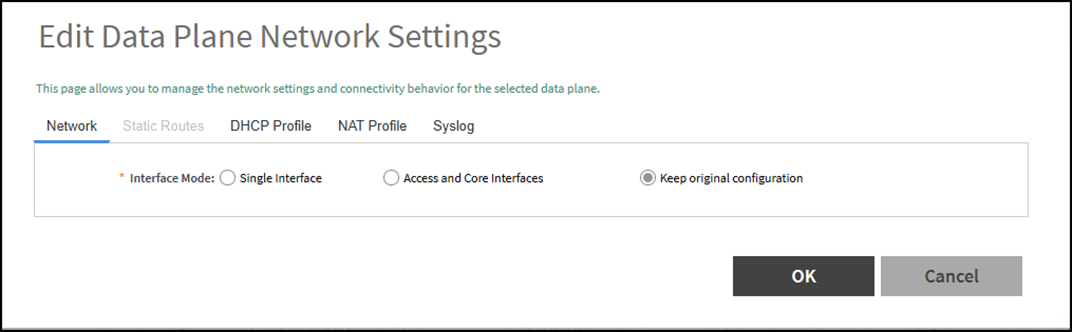
- In the Edit Data Plane Network Settings window, configure the available settings in the tabs as described in Data Plane Network Settings.
- Click OK to save the changes.You have successfully configured the DP.