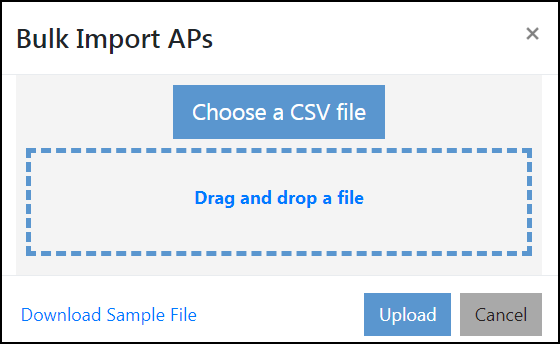
Importing APs in Bulk
Complete the following steps to add APs in bulk.
- On the menu, go to
Inventory >
AP Reg. Rules.
The AP Registration Rules window is displayed.
- In the AP Serial (S/N)
tab, click the
 icon.
icon.
- Upload the csv file in one of the following methods.
- Click
Upload.
An information dialog box is displayed indicating number of APs that are added and the number of APs that failed.