Deleting an AP
Complete the following steps to delete an AP.
- On the menu, go to
Inventory >
AP Reg. Rules.
The AP Registration Rules window is displayed.
- In the AP Serial (S/N) tab, select an AP which you want to delete.
- Click the
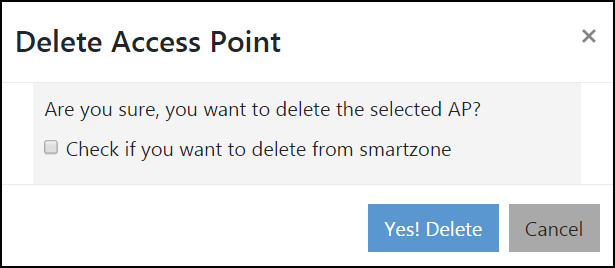
 icon. The Delete Access Point confirmation
dialog box is displayed to confirm the action.
icon. The Delete Access Point confirmation
dialog box is displayed to confirm the action.
- Click Yes! Delete to complete the action.