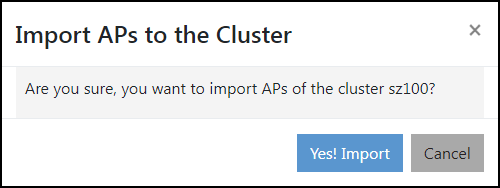
Importing APs to a Cluster
If the APs are not imported while
adding the cluster (using the Import AP option), you can import the APs to the cluster separately.
You are viewing a cached version of this page.
You are currently offline. This page was loaded from cache.
Did you find what you were looking for?
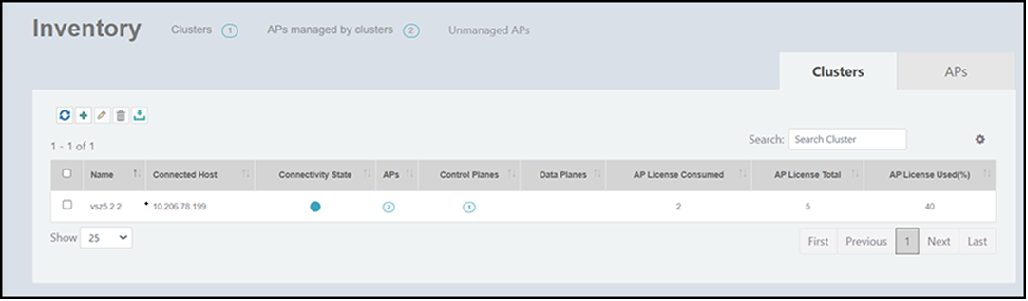
 icon to import APs to the specified cluster.