Configuring Registration Rules based on Switch Serial Number
Complete the following steps to add switches to a cluster based on the switch serial
number.
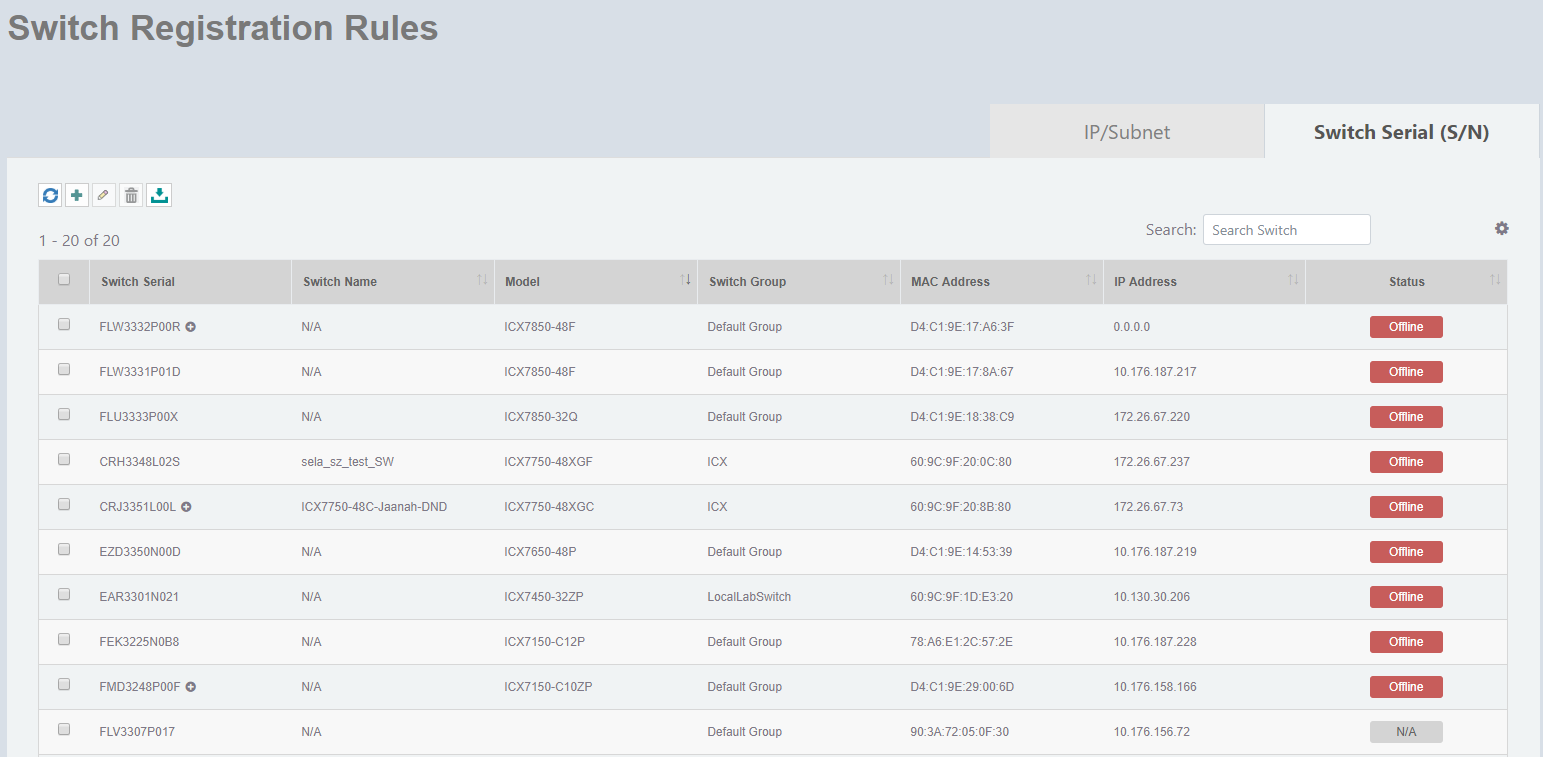
- On the menu, go to Inventory > Switch Reg. Rules.
- In the
Switch Serial (S/N) tab, click
 .
.
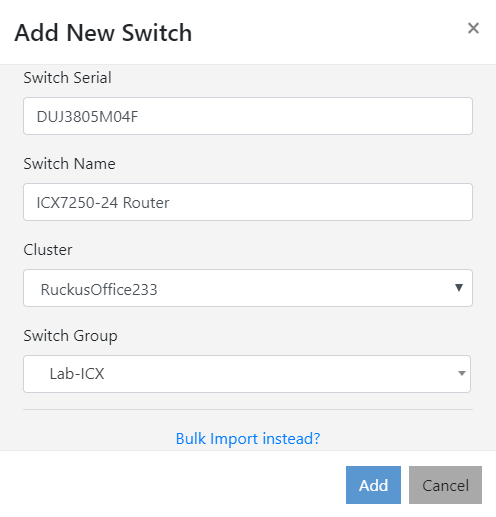
- Complete the following fields to add a switch.
- Click
Add to add the switch to the specified cluster.
An information dialog box is displayed indicating that the switch is successfully added to the cluster.
- Click
Ok.
Alternatively, you can add switches to the RUCKUS Network Director by importing switches in bulk. Click Bulk Import instead? and upload the csv file to import switches in bulk. For complete instruction on how to import switches by uploading csv file, refer Importing Switches in Bulk.